The Members Dashboard puts your weather, your emails and your account on one page. You find it at /members-dashboard/, or with the Go to dashboard link in the top menu once you are logged in. This chapter walks through each tab, and shows where a free account differs from a paid membership.
Before you log in
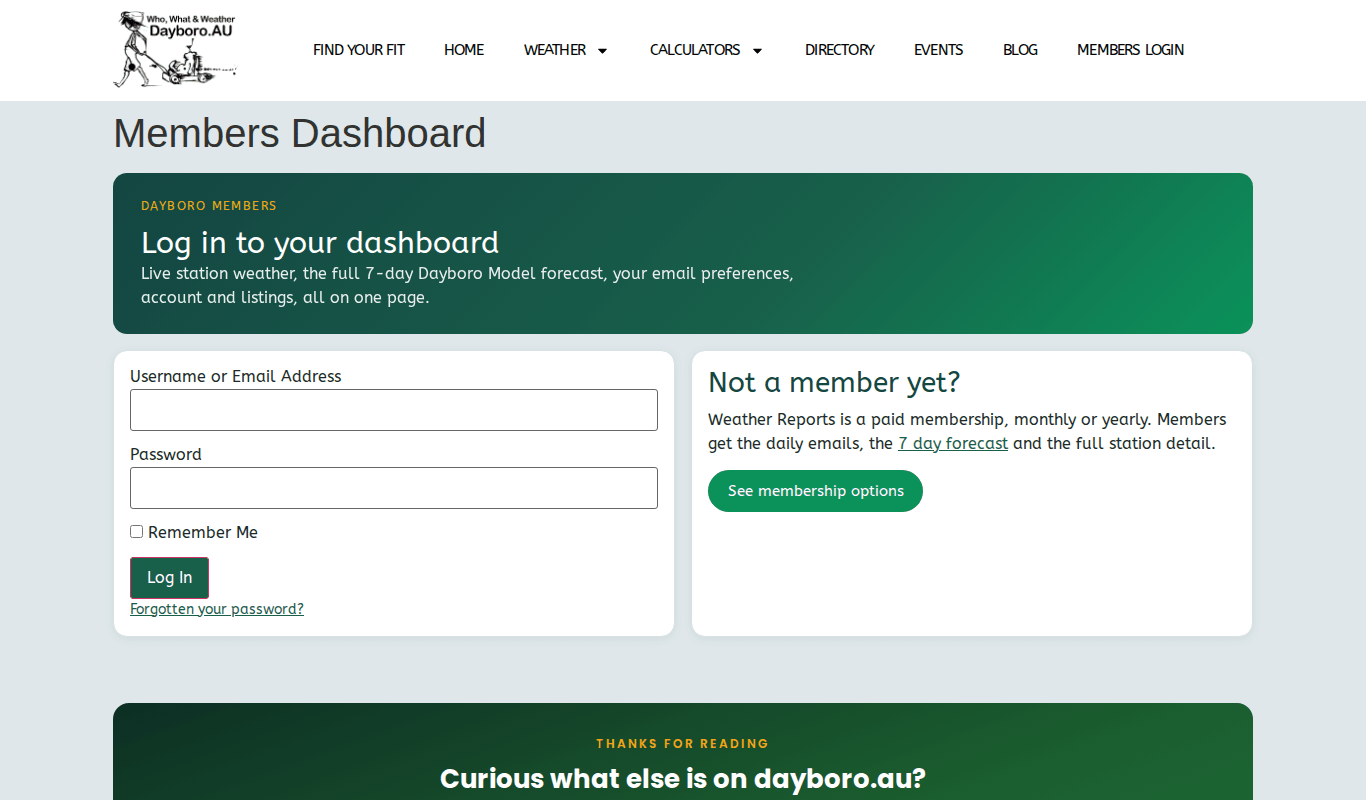
If you are not logged in, the page shows “Log in to your dashboard”. To log in:
- Type your username or email address.
- Type your password. Tick Remember Me if this is your own device.
- Press Log In. If you have lost your password, use “Forgotten your password?” under the button.
Not a member yet? The card beside the form has a See membership options button. Chapter 9 covers joining.
The top of the page
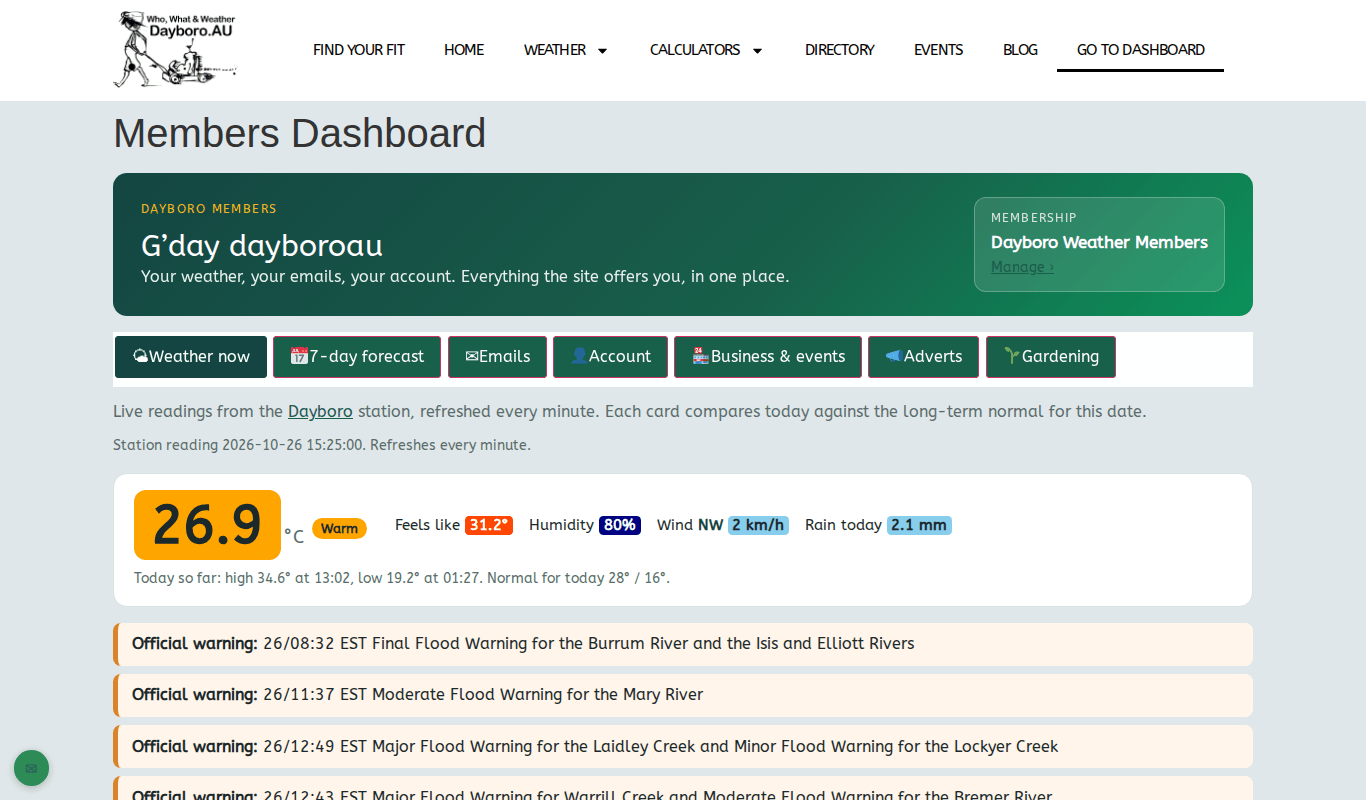
Once you are in, the page greets you by name and shows your membership level, with a Manage link next to it. Under that is a row of tabs: Weather now, 7-day forecast, Emails, Account, Business & events, Adverts and Gardening. Click a tab to open it. You stay on the same page.
Weather now
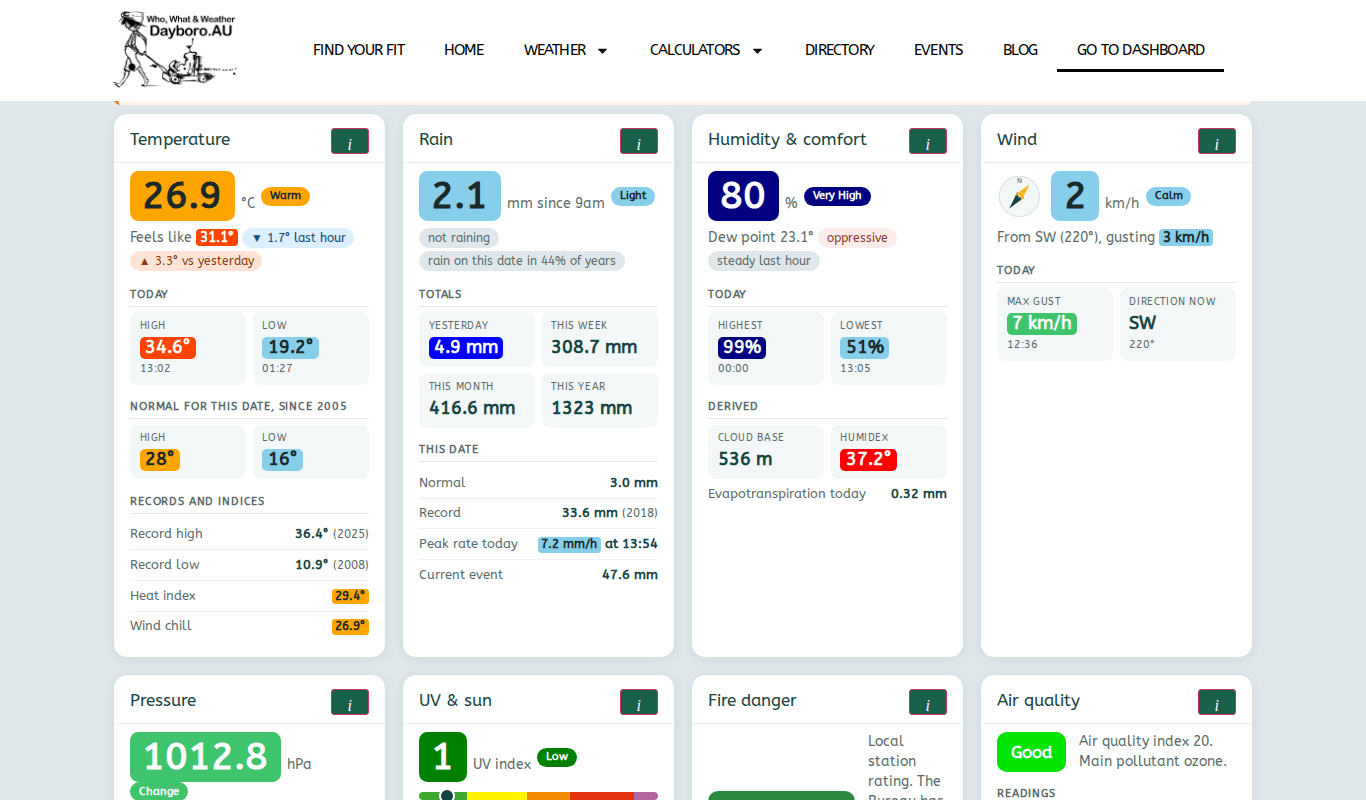
This tab shows live readings from the Dayboro station, refreshed every minute. Each card compares today with the long-term normal for this date. The cards are Temperature, Rain, Humidity & comfort, Wind, Pressure, UV & sun, Fire danger and Air quality. Press the small i button on a card to read what it measures.
Below the cards are links to the full station page, the radar, the lightning dashboard and the live weather display.
7-day forecast
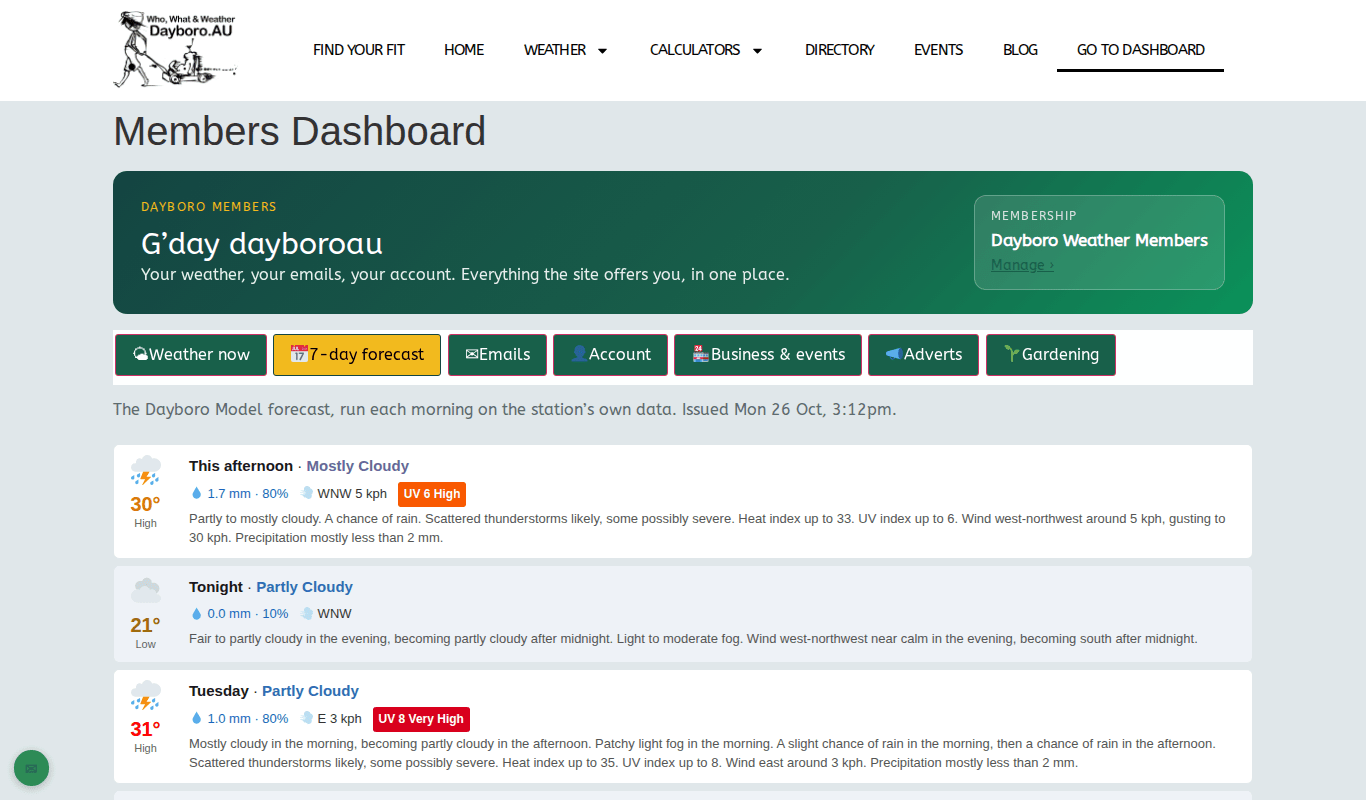
This is the Dayboro Model forecast, run each morning on the station’s own data. The tab shows when it was issued. For hour by hour detail and graphs, use the link to the 7-day forecast page. Chapter 3 explains how to read the forecast.
Emails
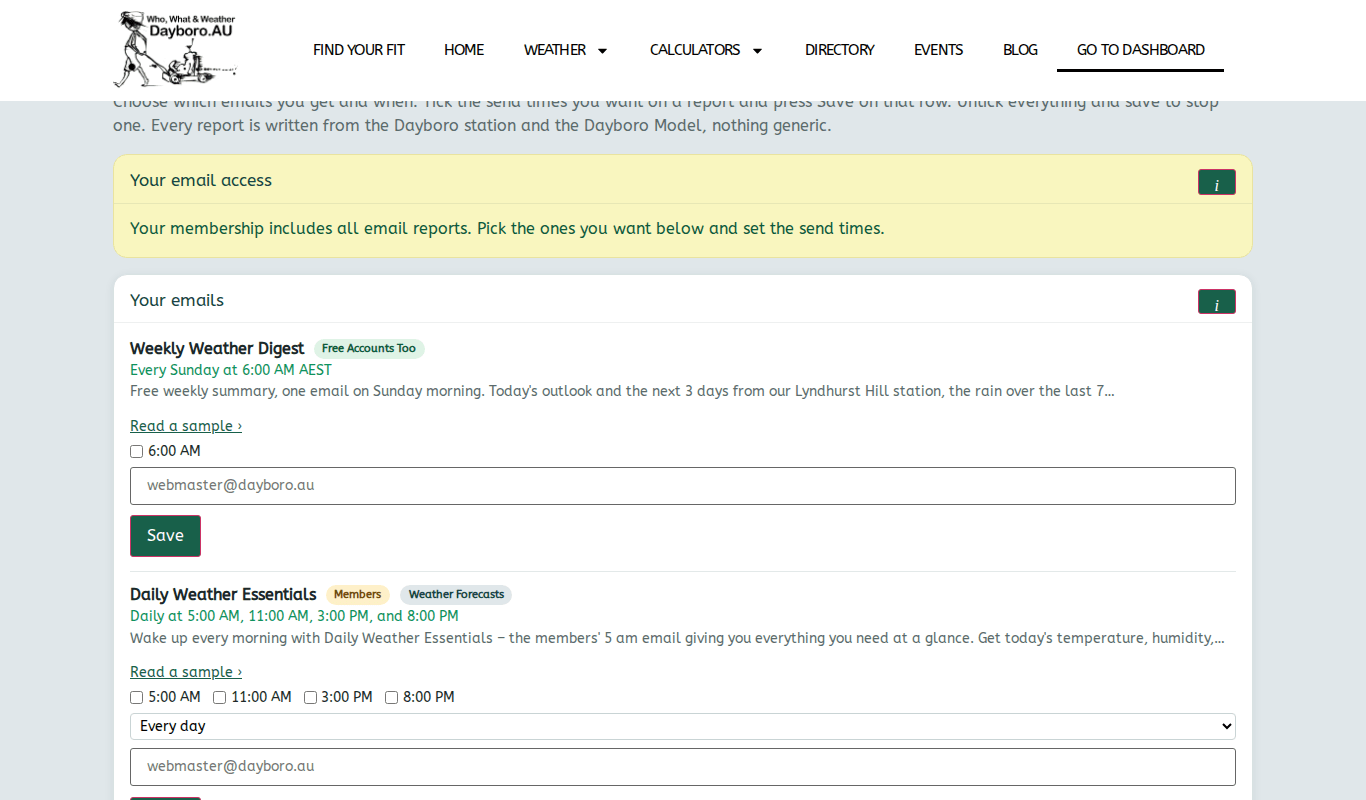
Here you choose which email reports you get and when. Each report has its own row, and some let you pick more than one send time. For example, Daily Weather Essentials can go out at 5:00 AM, 11:00 AM, 3:00 PM and 8:00 PM.
- Find the report you want.
- Tick the send times you want.
- Press Save on that row.
To stop a report, untick all its times and press Save. Chapter 8 describes each report.
Account
The Account tab brings your settings together:
- Membership shows your level, cost, start date and expiry date, with buttons to change level, update billing details or cancel.
- Profile has Edit profile & password, and Log out.
- Invoices & payment history lists your payments.
- Push notifications and Storm warnings set your alerts. Chapter 11 covers both.
- Delete account has a Delete my account button. Only use it if you want your account gone for good.
Business & events
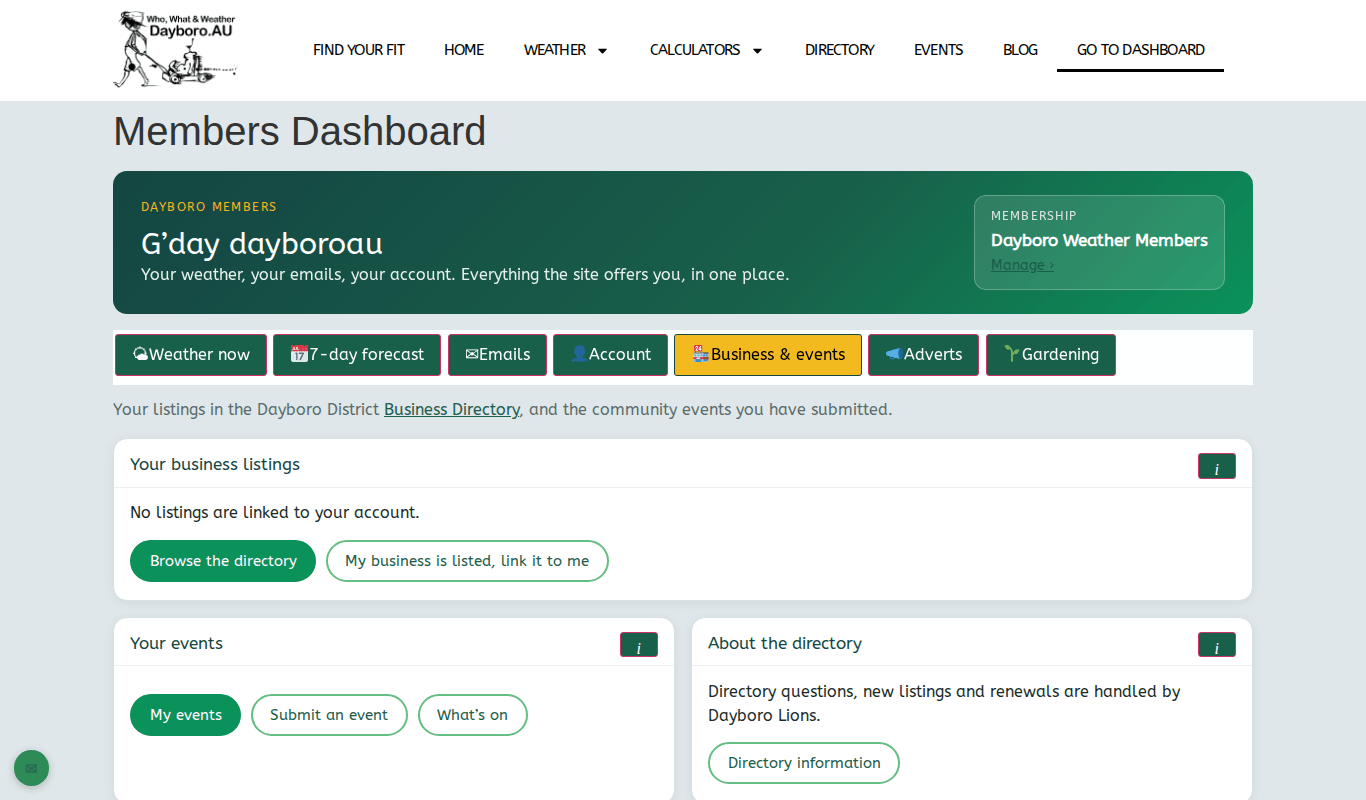
This tab shows your listings in the business directory and the community events you have sent in. If you own a listed business but it is not linked to you, press “My business is listed, link it to me”. That opens the contact form so you can ask. Under Your events are buttons for My events, Submit an event and What’s on. Directory listings and renewals are handled by Dayboro Lions, and the Directory information button explains how. Chapters 12 and 13 have the detail.
Adverts
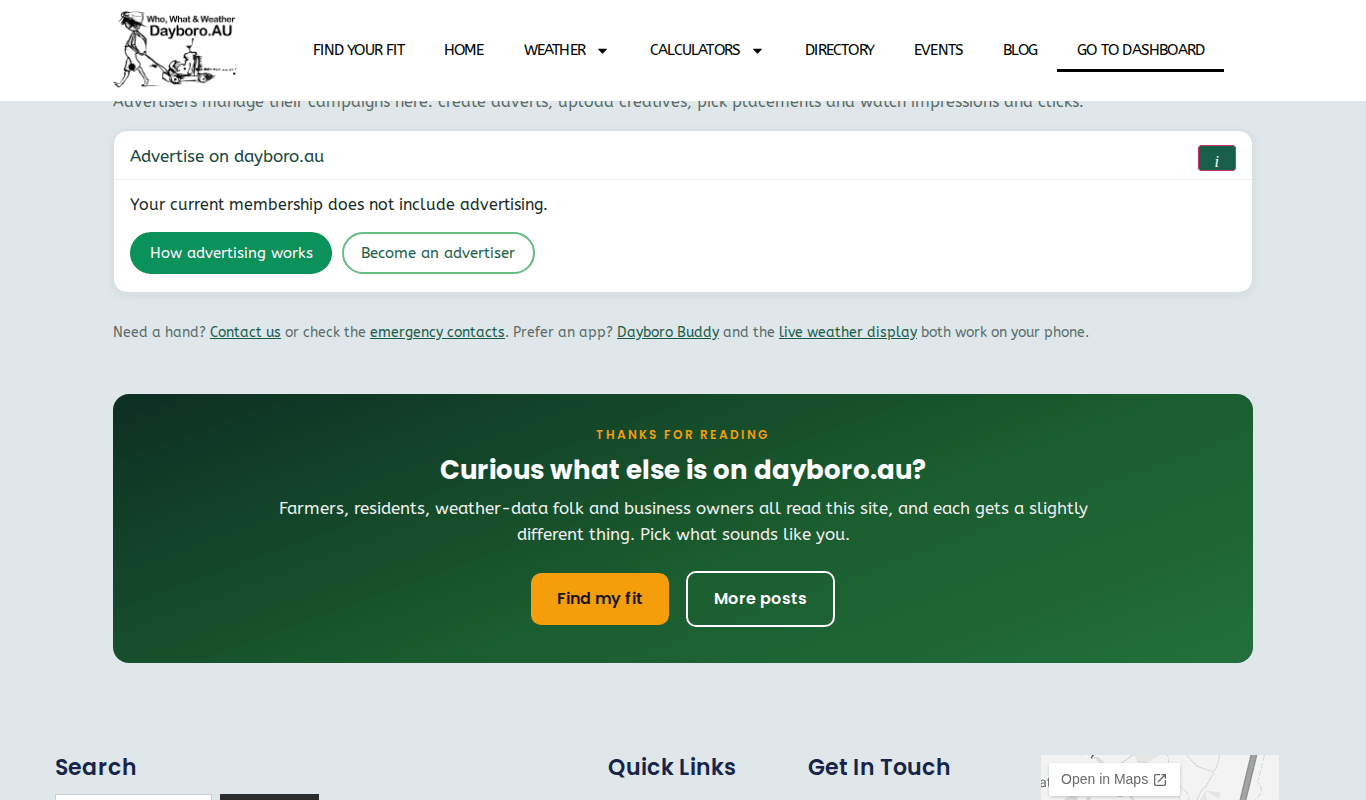
If you advertise on the site, this tab links to your advertiser dashboard. If not, it says your membership does not include advertising, with buttons for How advertising works and Become an advertiser.
Gardening
The gardening tools now live on GardenBuddy.au. The Gardening tab explains why, offers a free GardenBuddy account, and links straight to topics such as what to plant now and pests and diseases.
Free account or member
Well, the dashboard works for a free account too, but it shows less. On the dashboard the paid membership is called Weather Reports. With a free account:
- Weather now shows the Temperature card only. Rain, wind, humidity, UV, fire danger, storms and warnings are for members.
- The forecast tab is called 3-day forecast and shows the next 3 days.
- Emails offers the Weekly Weather Digest only.
Each locked part has an Upgrade button. You can compare levels on the membership page. At the foot of the dashboard there are links to the contact page and the emergency contacts if you need a hand.
Back to the guide contents. Next, chapter 11 covers push notifications and storm alerts.
The Dayboro team
Get Dayboro weather delivered to your inbox every morning: forecasts, garden tips, and local updates. Subscribe free →