Dayboro.au started with one weather station on Lyndhurst Hill, back in 2004. It has grown a fair bit since then. There is live weather, our own forecast, creek and crossing levels, storm tracking, email reports, events, a business directory and a whole row of calculators. Well, that is a lot to find your way around, so we wrote this guide.
Each chapter covers one part of the site. Read it from start to finish, or jump straight to the bit you need. The screenshots are real and come from the live site, so the numbers you see on this moment will be different from the ones in the pictures.
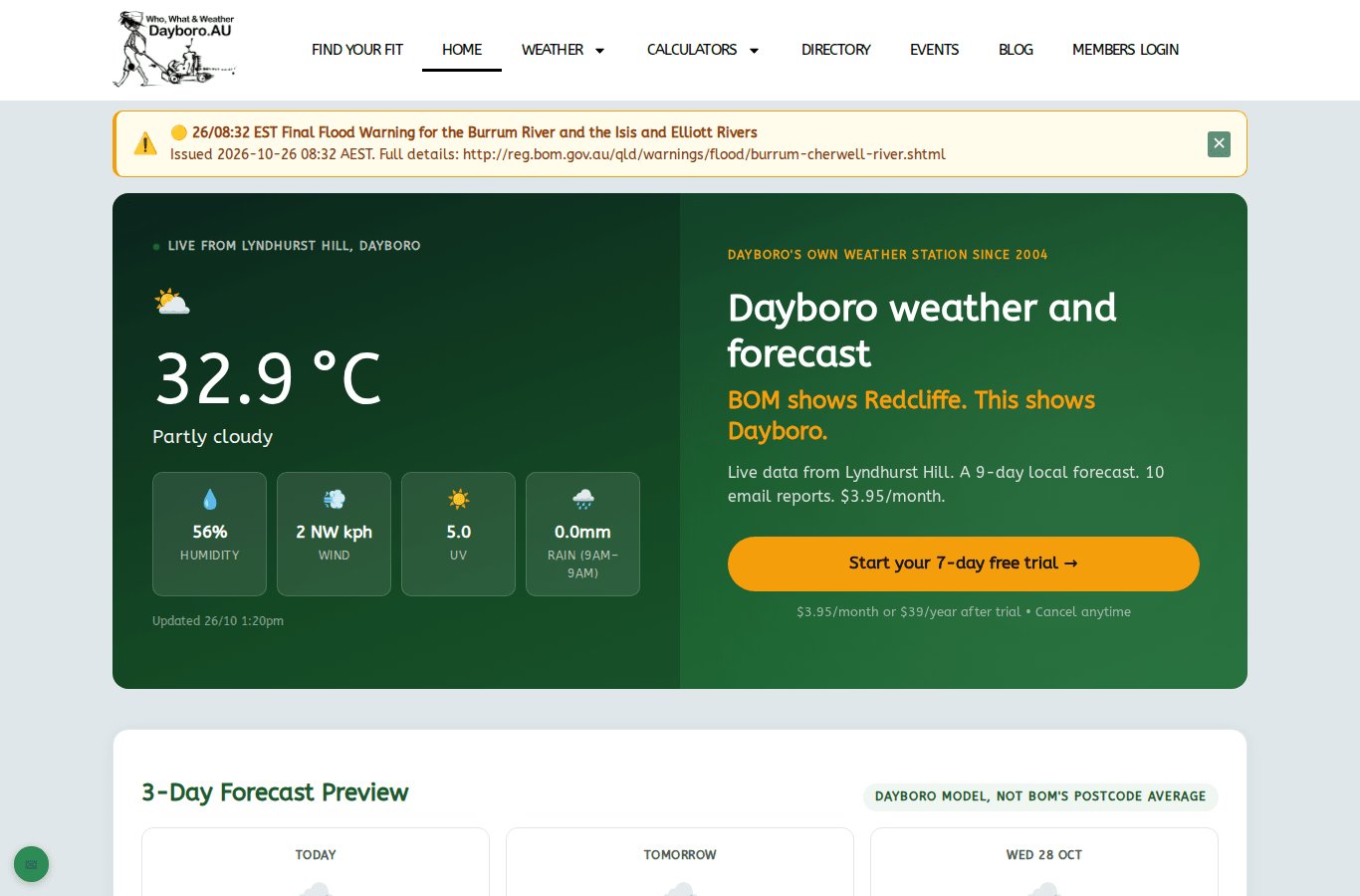
Visitor, free account or member
You do not need an account to use most of the site. The live weather, the warnings, the radar and the creek levels are open to everyone. A paid membership adds a lot more on top. You may also have a free account, for example from the business directory, events or a membership that has ended. New sign ups go through membership.
| Visitor | Free account | Member | |
|---|---|---|---|
| Live weather, warnings, radar, lightning, creek levels | Yes | Yes | Yes |
| Forecast on the home page | 3 days | 3 days | 9 days |
| 7 day forecast page | First 2 days | First 2 days | All 7 days |
| Members Dashboard | Login only | Temperature and a 3 day forecast | Everything |
| Email reports | Weekly Weather Digest | All reports, at the times you pick | |
| Push notifications and storm alerts | Yes | ||
| Climate Data and Forecast Methodology pages | Yes |
Membership is monthly or yearly, and both plans start with 7 days free. The current prices are on the membership page. Chapter 9 explains how to join, how billing works and how to cancel.
The chapters
- Finding your way around. The menu, the home page, Find your fit and using the site on a phone.
- Weather right now. The Weather Hub, warnings, creek levels, radar, lightning, air quality and heat stress.
- Forecasts. The home page forecast, the 7 day and 30 day forecasts, and how accurate we are.
- Long range and the Farmers Almanac. The long range guide, the Inigo Jones method and the almanac.
- Weather history and climate. Weather reports, Today in Time and climate trends.
- Storm, flood and fire safety. The flood outlook, storm alerts and emergency contacts.
- Calculators and garden tools. Solar, spray window, soil pH, frost and watering.
- Email reports. What each report holds, picking send times and unsubscribing.
- Membership. Joining, logging in, billing, invoices and cancelling.
- Tour of the Members Dashboard. Every tab, with a picture of each.
- Push notifications and storm alerts. Setting them up on each device.
- What’s On. Finding events and adding your own.
- Business directory, advertising and help. Finding a local business, advertising and getting in touch.
More than weather
If you grow your own food, GardenBuddy.au tells you what to plant and when. If you run a club or a community group, LocalBuddy.au gives the group its own page and calendar.
Spotted something in this guide that does not match the site? Tell us through the contact page and we will fix it.
The Dayboro team
Get Dayboro weather delivered to your inbox every morning: forecasts, garden tips, and local updates. Subscribe free →