Our email reports bring the weather from our station on Lyndhurst Hill to your inbox, at the times you choose. This chapter explains what each report holds, how to pick your send times, and how to stop an email you no longer want.
The reports
There are six reports on this moment. You can read a real sample of each, built from today’s station data, on the Email Examples page.
| Report | When | What is in it | Who gets it |
|---|---|---|---|
| Weekly Weather Digest | Sunday, 6:00 AM | Today’s outlook and the next 3 days, the rain over the last 7 days, a short gardening note and a conditions snapshot. | Free with a Dayboro account |
| Daily Weather Essentials | 5:00 AM, 11:00 AM, 3:00 PM or 8:00 PM | Temperature, humidity, wind and rain, the 7 day outlook, sunrise and sunset, UV index and moon phase. | Members |
| Dayboro Today | 6:00 AM | The weather, roads and warnings, what is on in town, today in Dayboro’s past, and yesterday’s numbers. | Members |
| Farmer Daily Report | 6:00 AM | Evaporation and how much to irrigate, soil moisture stress, growing conditions, spray window advice, and pest and disease alerts. | Members |
| Daily Solar Forecast | 6:00 AM | A power forecast for your own panels, worked out from the system you saved. | Members |
| This Day in Weather History | Not yet set | Yesterday’s weather against the same date across 20+ years of Dayboro records. | Members |
This Day in Weather History is listed, but it has no send times yet, so you cannot pick it for now.
The free Weekly Weather Digest
The Digest is one email on Sunday morning at 6:00 AM. It comes free with a Dayboro account, and readers already on our list keep getting it. Every other report is part of membership.
Signing up as a visitor
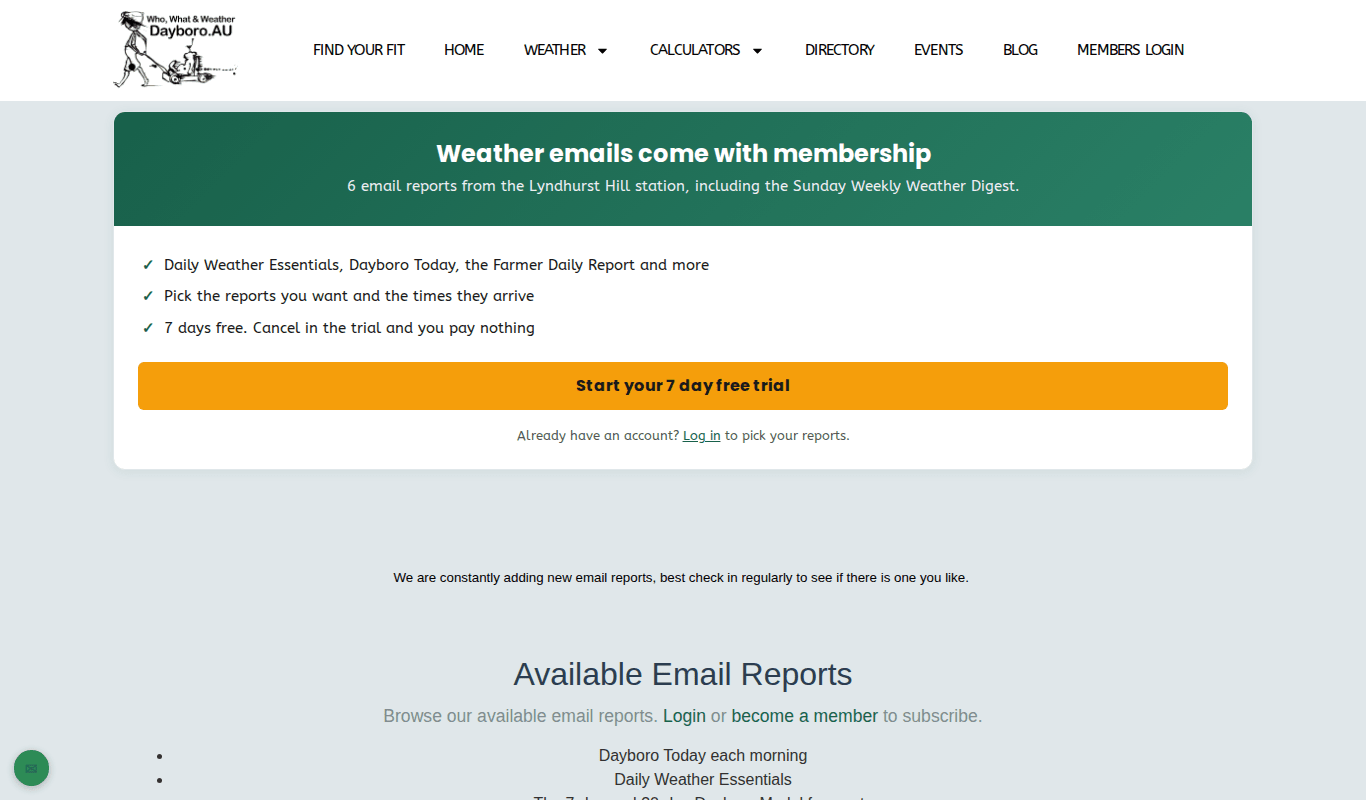
The Subscribe to emails page now asks visitors to log in first. If you are new, it points you to membership, which starts with 7 days free. If you cancel in the trial you pay nothing. If you already have an account, log in and you can pick your reports with your own account.
Picking your reports and send times
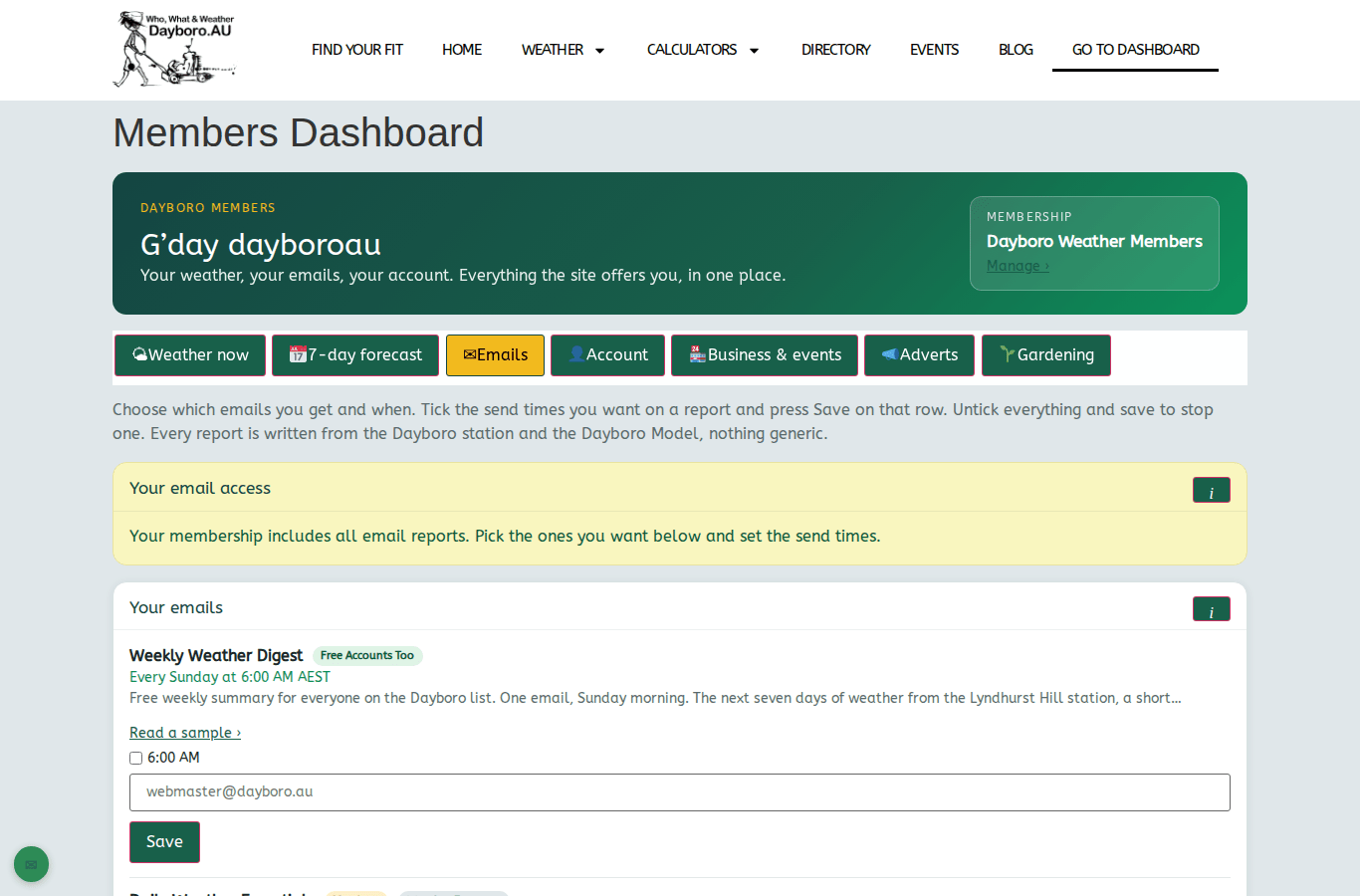
Members do this in the Members Dashboard, on the Emails tab.
- Log in and open Go to Dashboard in the menu.
- Press the Emails tab.
- Find the report you want. Press Read a sample if you want to see it first.
- Tick each send time you want. Daily Weather Essentials can come up to four times a day.
- Choose how often: every day, weekdays only, or once a week.
- Press Save on that row. Each report has its own Save button.
The Daily Solar Forecast needs one extra step. Set up your panels on the Solar Panel Calculator first and press Save & Get Daily Forecast there. Chapter 7 shows how.
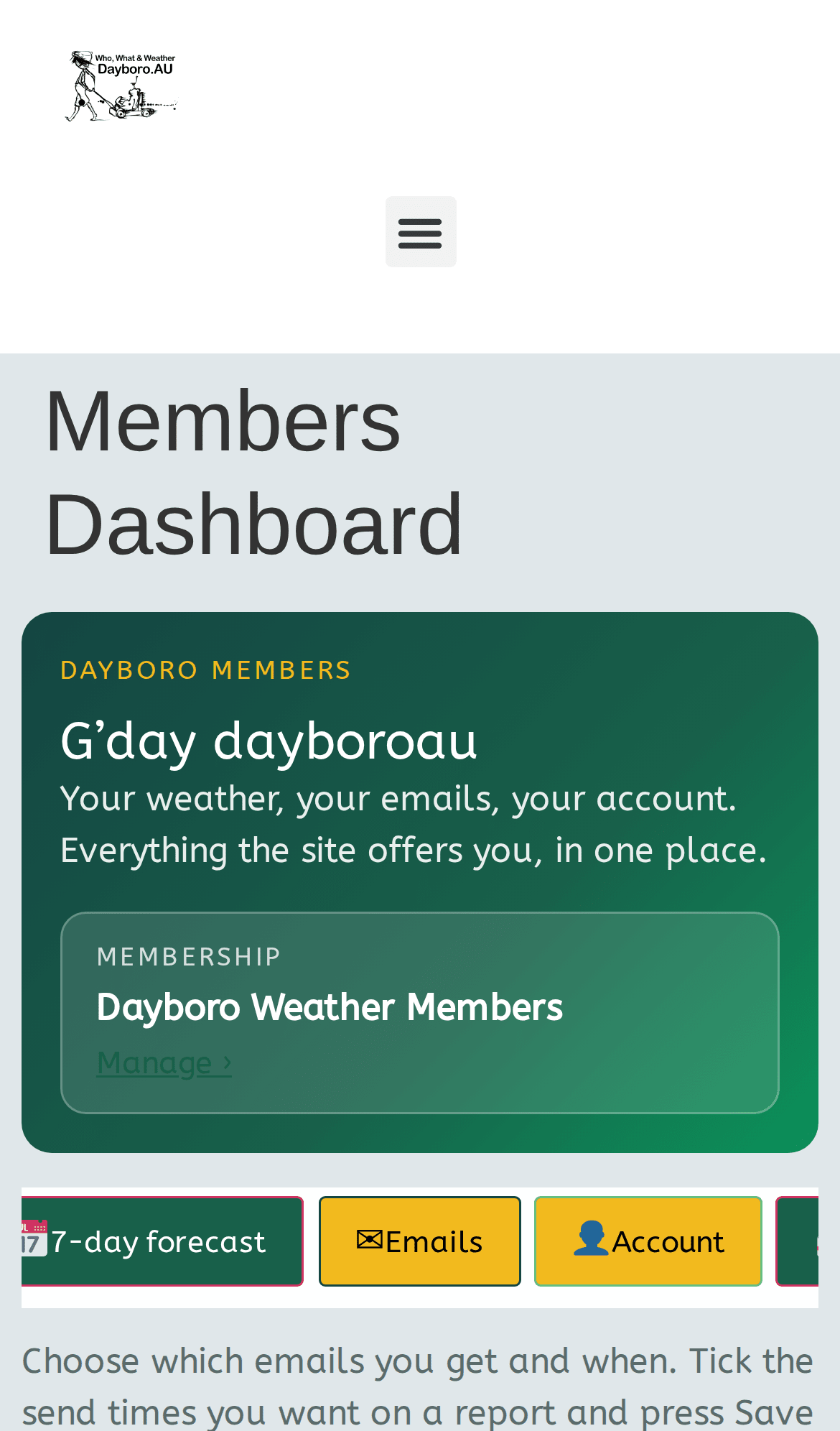
The Emails tab works the same on a phone. The reports simply stack one under the other.
How to stop an email
There are three ways, and you do not need to log in for the first two.
- The Unsubscribe link. It sits at the bottom of every report. Press it and that one report stops. The page then tells you if you still get other emails from us and gives you a Stop all of them too link.
- Your mail app’s button. Many mail apps show an Unsubscribe button near the sender’s name. Our emails support it, so that button works too.
- The dashboard. On the Emails tab, untick every time on a report and press Save on that row.
If a link ever fails, reply to any of our emails with the word STOP and a person will take you off the list by hand.
Back to the guide contents. Next, chapter 9 explains membership, billing and cancelling.
The Dayboro team
Get Dayboro weather delivered to your inbox every morning: forecasts, garden tips, and local updates. Subscribe free →