This chapter shows how the site is laid out, so you know where to look. If you only read one chapter, read this one. The rest of the guide goes deeper into each part.
The main menu
The menu runs along the top of every page. On a computer it looks like this:
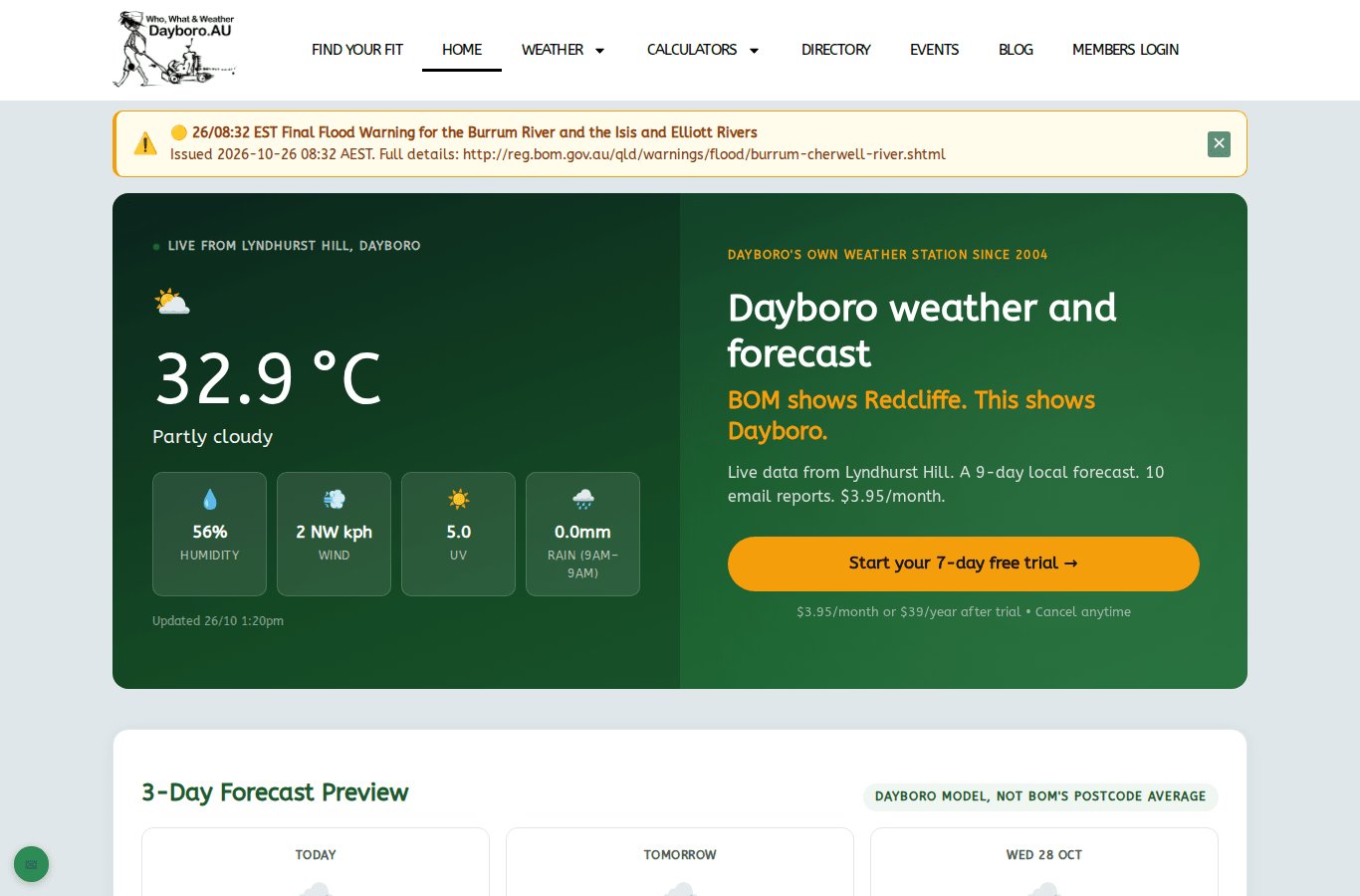
| Menu item | What you find there |
|---|---|
| Find your fit | Five short paths that show which parts of the site suit you. |
| Home | The live weather, a short forecast and what is new. |
| Weather | Everything weather: warnings, radar, lightning, forecasts, history, the Farmers Almanac, long range and air quality. Chapters 2 to 6. |
| Calculators | Solar panels, spray window, soil pH and the rest. Chapter 7. |
| Directory | Local businesses. Chapter 13. |
| Events | What is on in and around Dayboro. Chapter 12. |
| Blog | Weather write ups, research and local news. |
| Members Login | Log in to your account and the Members Dashboard. Chapters 9 and 10. |
Weather and Calculators have a small arrow next to them. Hold your mouse over the word and a list drops down with the pages underneath.
The home page
The home page opens with the live readings from our station on Lyndhurst Hill: temperature, humidity, wind, UV and rain. Under the readings you see when they were last updated.
Sometimes a yellow bar shows above the readings. That is a warning from the Bureau of Meteorology. Tap the cross on the right to close it once you have read it.
Further down is the forecast preview. Visitors see 3 days. Members see 9.
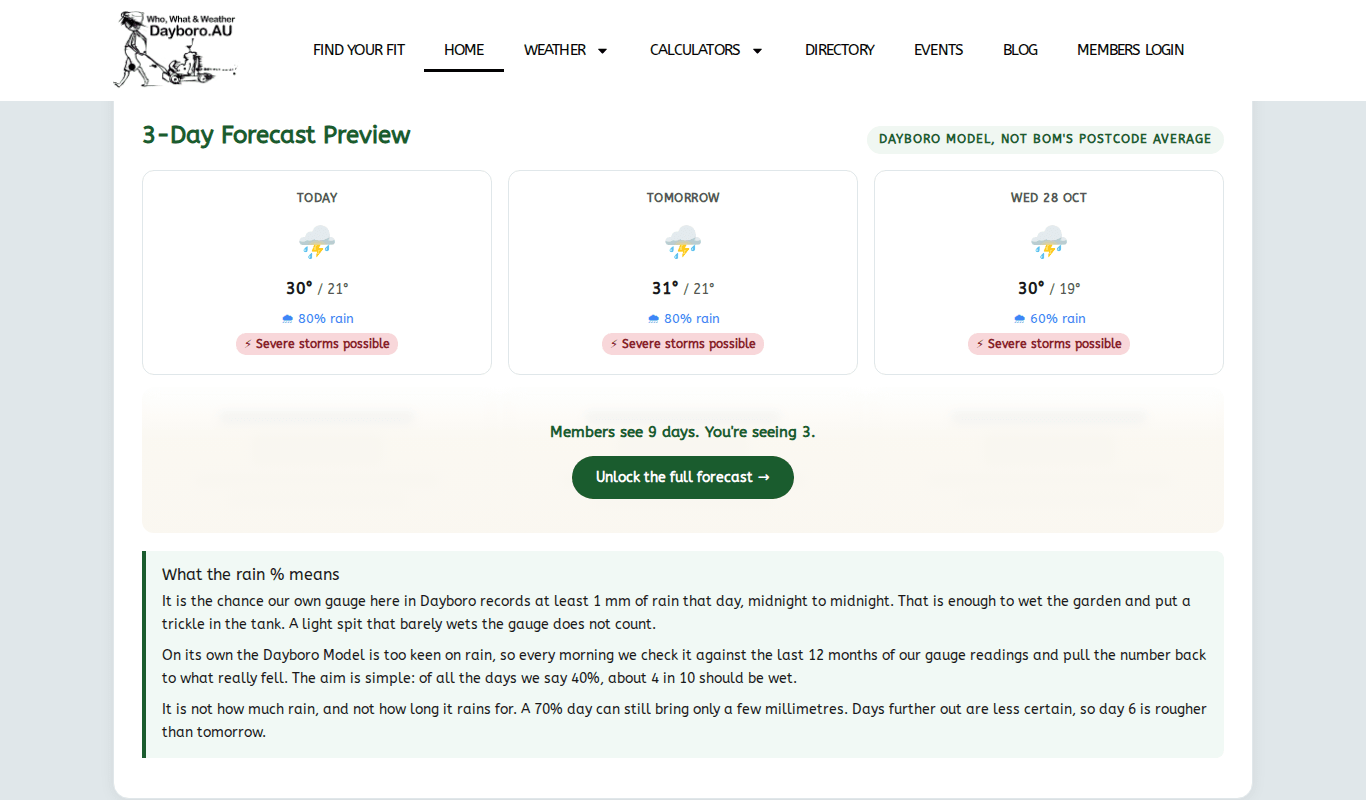
The rain percentage is the chance that our own gauge in Dayboro records at least 1 mm that day, midnight to midnight. It is not how much rain will fall. Well, a 70% day can still bring only a few millimetres, so read it as “will it rain”, not “how much”. Chapter 3 explains the forecast in more detail.
Below the forecast you find:
- the latest posts from the blog
- events coming up this week
- three local businesses from the directory, picked at random each time
- the Dayboro Buddy app
Find your fit
Not sure where to start? The Find your fit page gives you five paths. Pick the one that sounds most like you and it shows what the site does for you, and what is worth paying for, if anything.
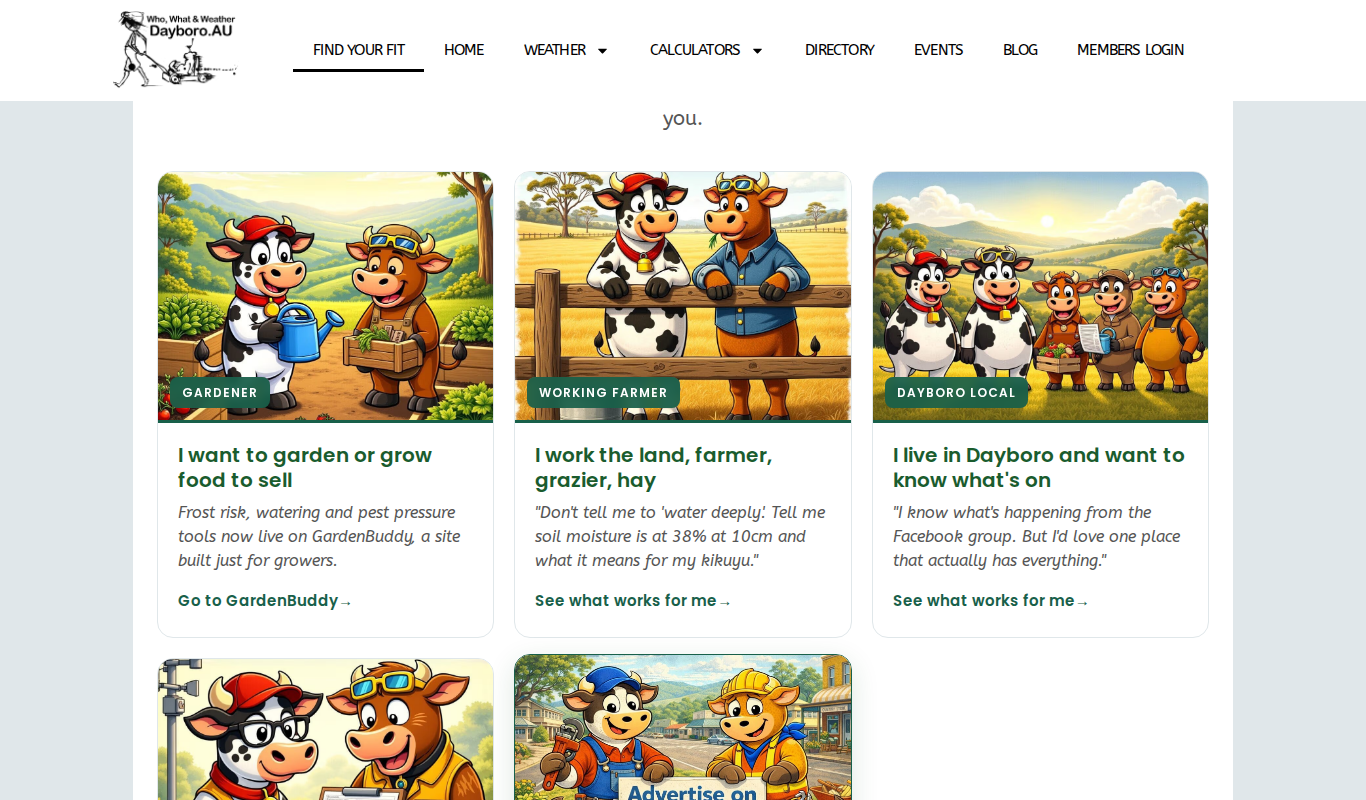
- Gardener. Takes you to our garden site, GardenBuddy.au, for frost, watering and pest tools.
- Working farmer. For graziers, hay and anyone who works the land.
- Dayboro local. For people who live here and want to know what is on.
- Data reader. For people who want the numbers and how we work them out.
- Local business. For businesses that want local people to see them.
Every path has a free option, so there is nothing to lose by having a look.
Using the site on a phone
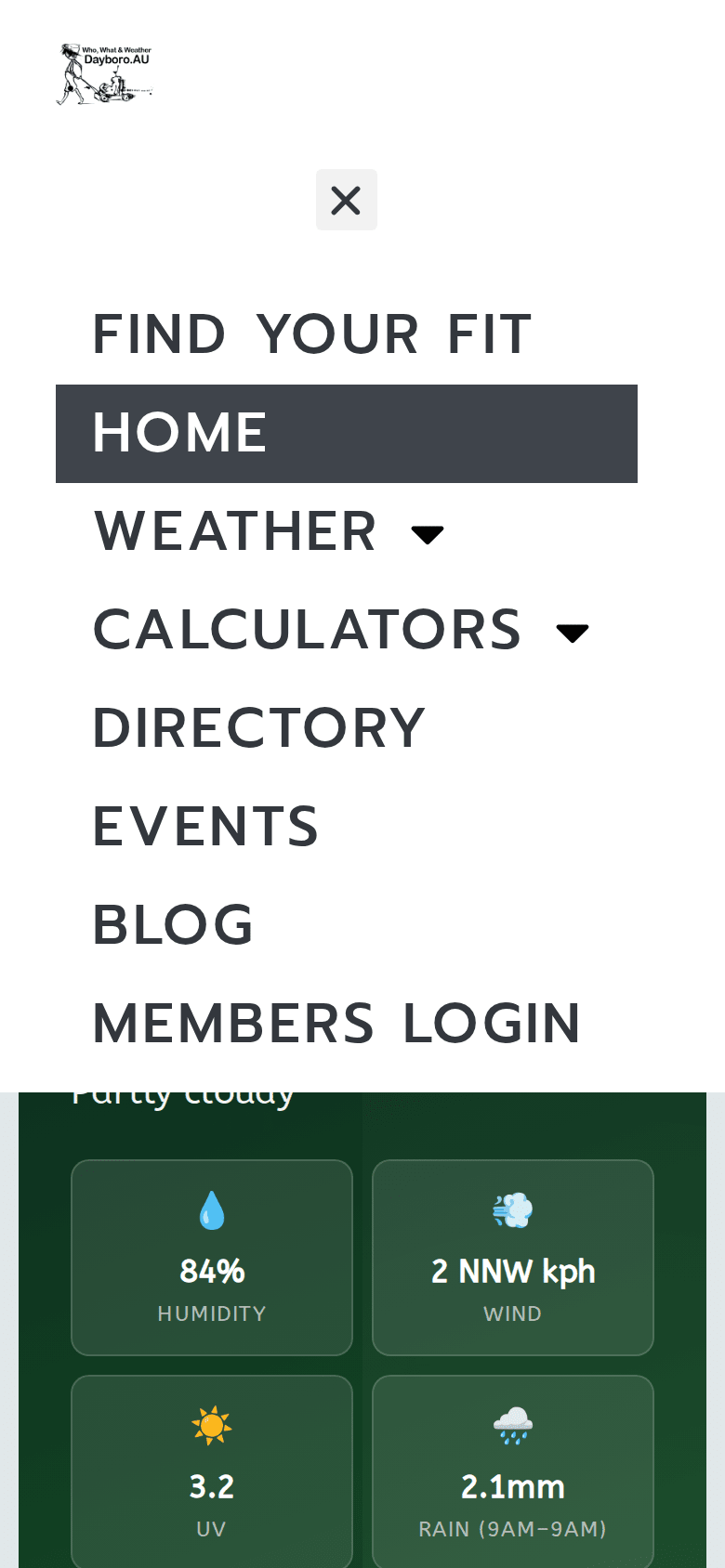
On a phone the menu folds away to save space. To open it:
- Tap the button with three lines at the top of the page.
- The full menu opens. Tap the arrow next to Weather or Calculators to see the pages underneath.
- Tap the cross to close the menu again.
Wide tables and maps may need a sideways swipe on a small screen. Turning the phone on its side helps too.
The Dayboro Buddy app
If you check the weather every day, the Dayboro Buddy app puts it one tap away. You find it near the bottom of the home page.
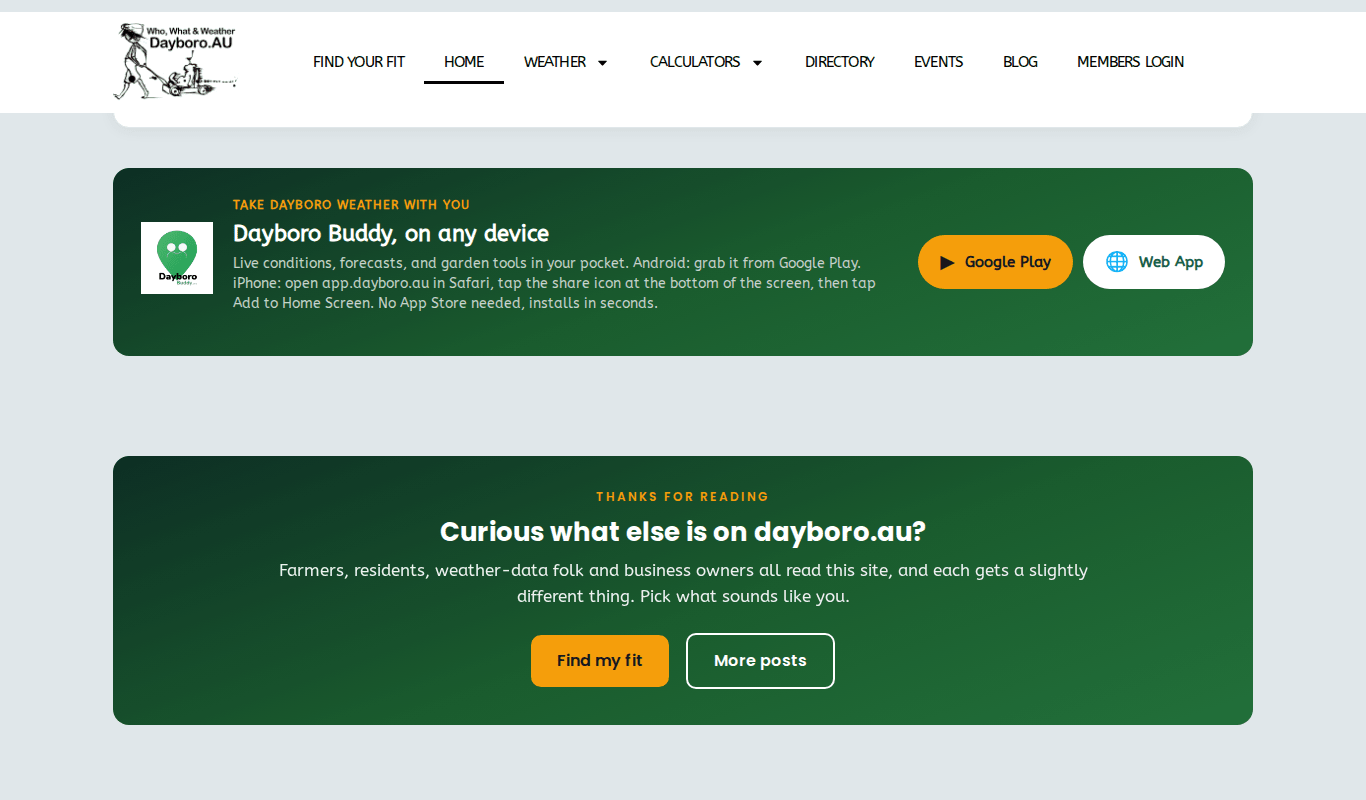
- Android: tap Google Play and install it from there.
- iPhone: open app.dayboro.au in Safari, tap the share icon at the bottom of the screen, then tap Add to Home Screen. There is no need for the App Store.
The bottom of every page
At the very bottom of each page there is a search box, links to About Us and our privacy, terms and cookie pages, and our contact details: webmaster@dayboro.au and 07 5221 3450.
In the bottom left corner of the screen there is a small green envelope button, Contact / report an issue. It opens our contact page, where you pick what it is about (a technical issue, billing, a general question or feedback) and write your message. If something on a page looks wrong on this moment, use it and tell us which page you were on.
Back to the guide contents. Next, chapter 2 explains the live weather.
The Dayboro team
Get Dayboro weather delivered to your inbox every morning: forecasts, garden tips, and local updates. Subscribe free →