This chapter is about what the weather is doing right now. Everything here is open to everyone, with or without an account. A few parts show members a bit more, and we point those out as we go.
The Weather Hub
The Weather Hub shows the readings from our own station on Lyndhurst Hill. The station has been recording for more than 20 years and is privately funded. The page updates every 5 minutes, so there is no need to keep refreshing it.
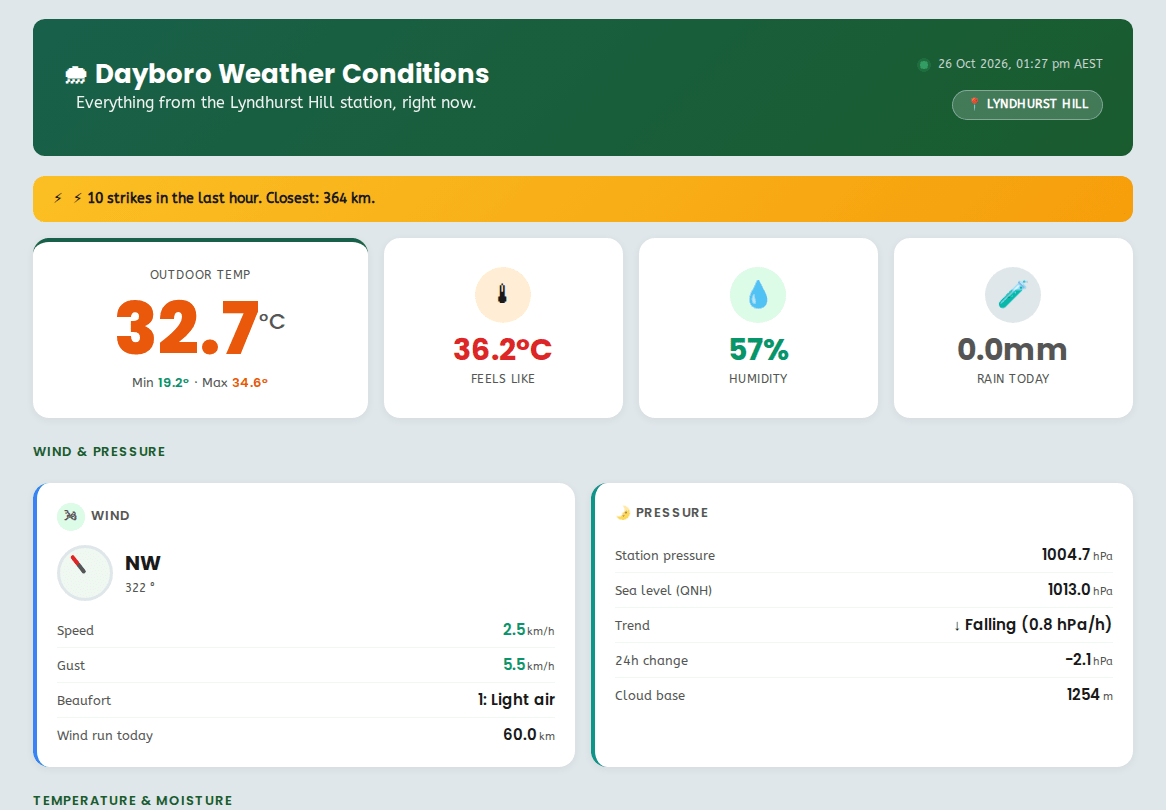
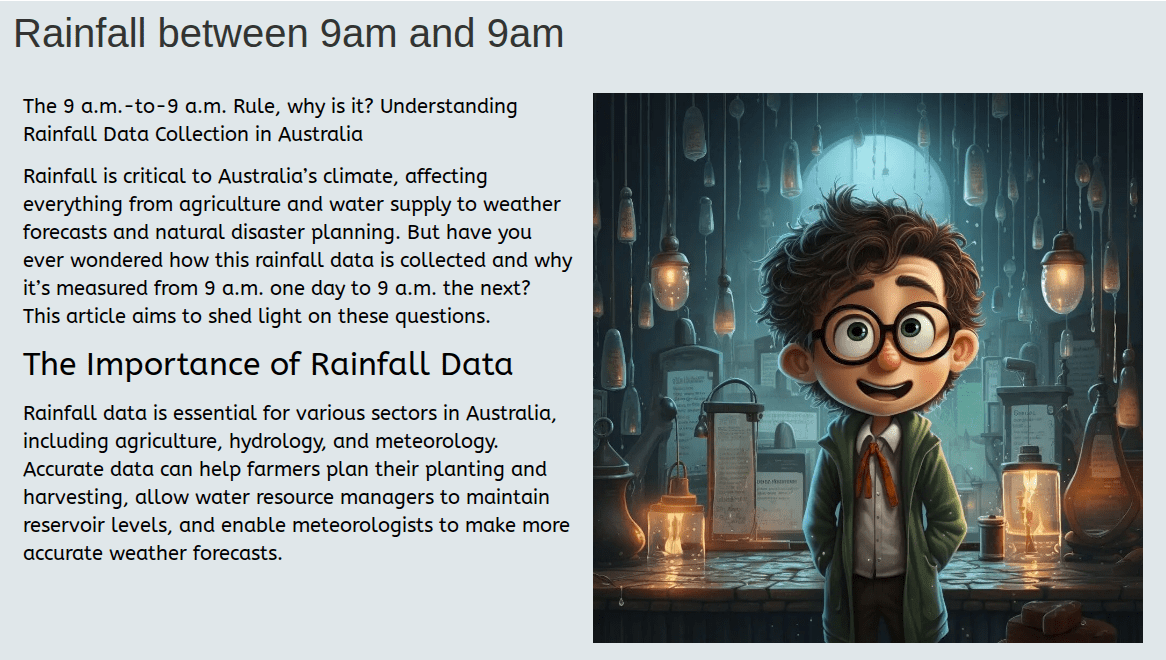
Rain is shown two ways:
- Since midnight is the rain for the calendar day.
- Since 9am is the rain for the rain day. This is how the Bureau of Meteorology counts it, so use this one when you compare with BOM figures.
Warnings: expected and actual
The warnings page splits warnings into two columns.
- Expected is what our forecast says is coming. It updates every 30 minutes.
- Actual is what the station is measuring right now. It updates every 5 minutes.
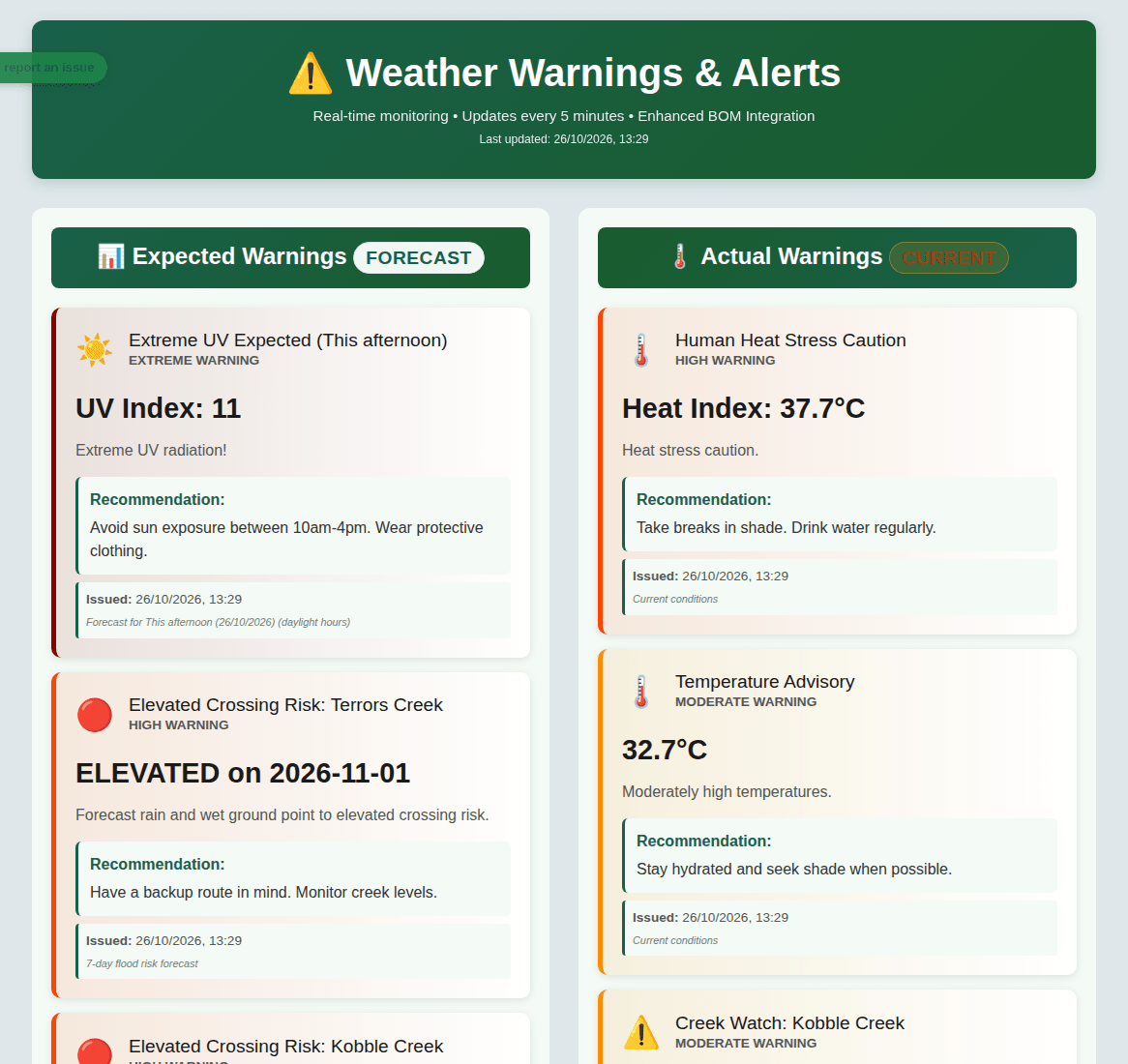
Well, a warning in the expected column is a heads up, not a promise. If it moves across to actual, it is happening now.
Creek crossings and flood outlook
Further down the warnings page there is a card for each creek crossing we watch. Each card shows:
- whether the council has the road open or closed
- how far the water is from the level where the crossing goes under
- how old the gauge reading is
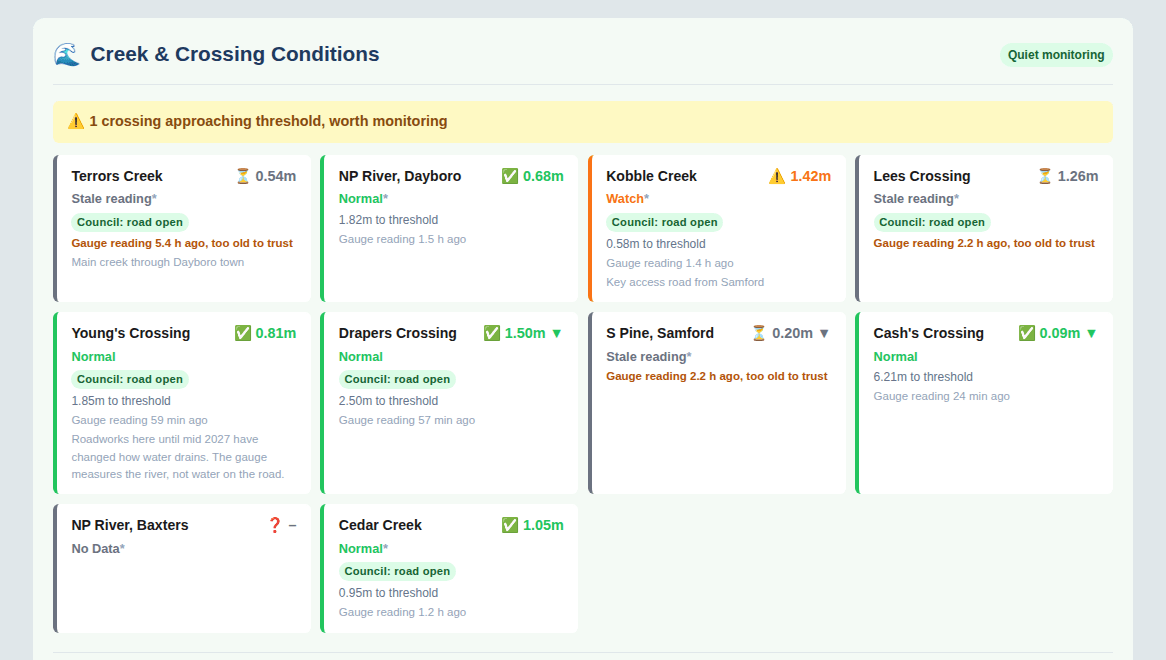
If a card says Stale reading, the gauge has not reported for a while and the number is too old to trust. Check the council road closures before you drive.
The river heights come from the BOM river heights bulletin. The road status comes from City of Moreton Bay road closures. The flood outlook below the cards puts the rain forecast and the creek levels together.
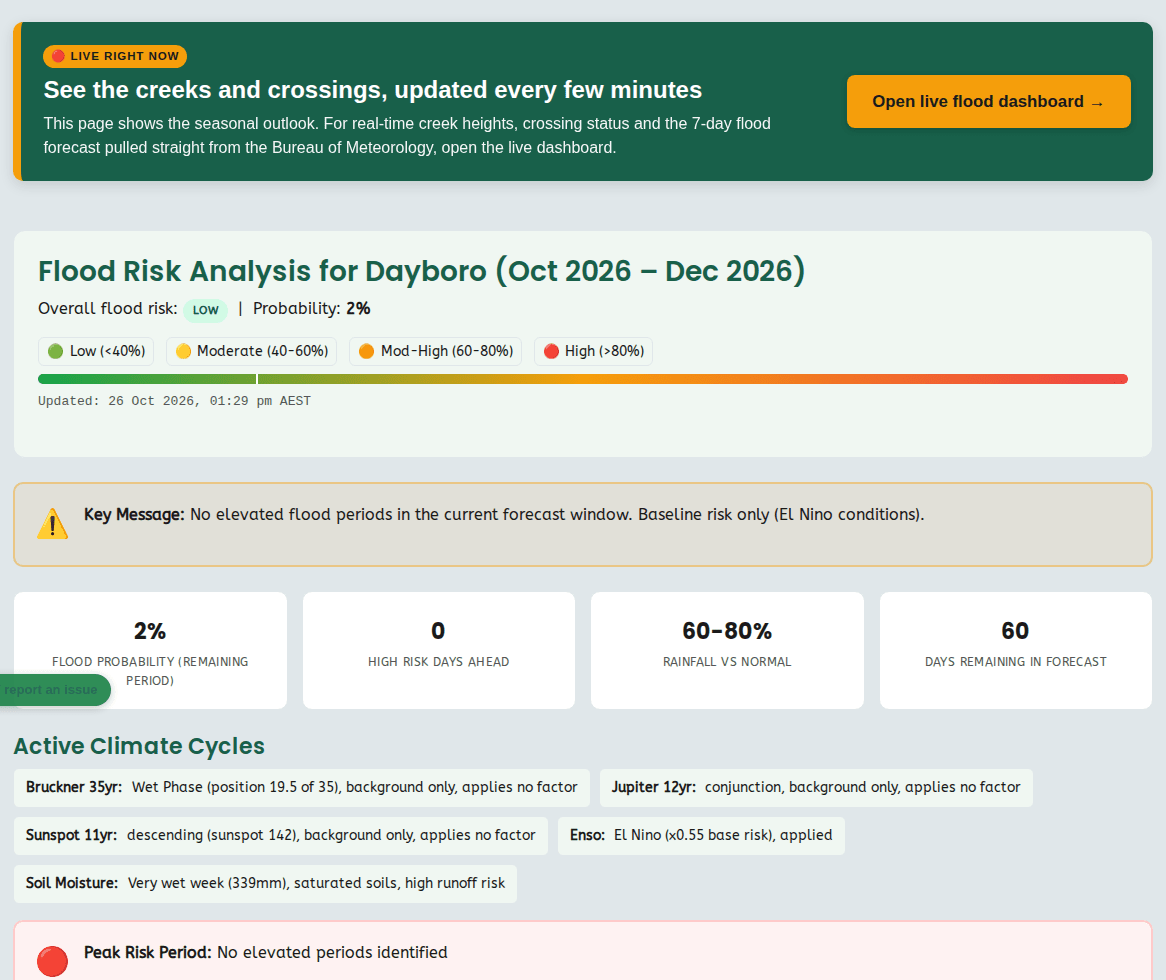
Never drive into floodwater. A crossing can be open on the page and still be unsafe on the day. If it is flooded, forget it.
Radar and lightning
The radar page shows rain moving across the region. The radar refreshes every 5 minutes. Storm cells are tracked within 400 km of Dayboro.
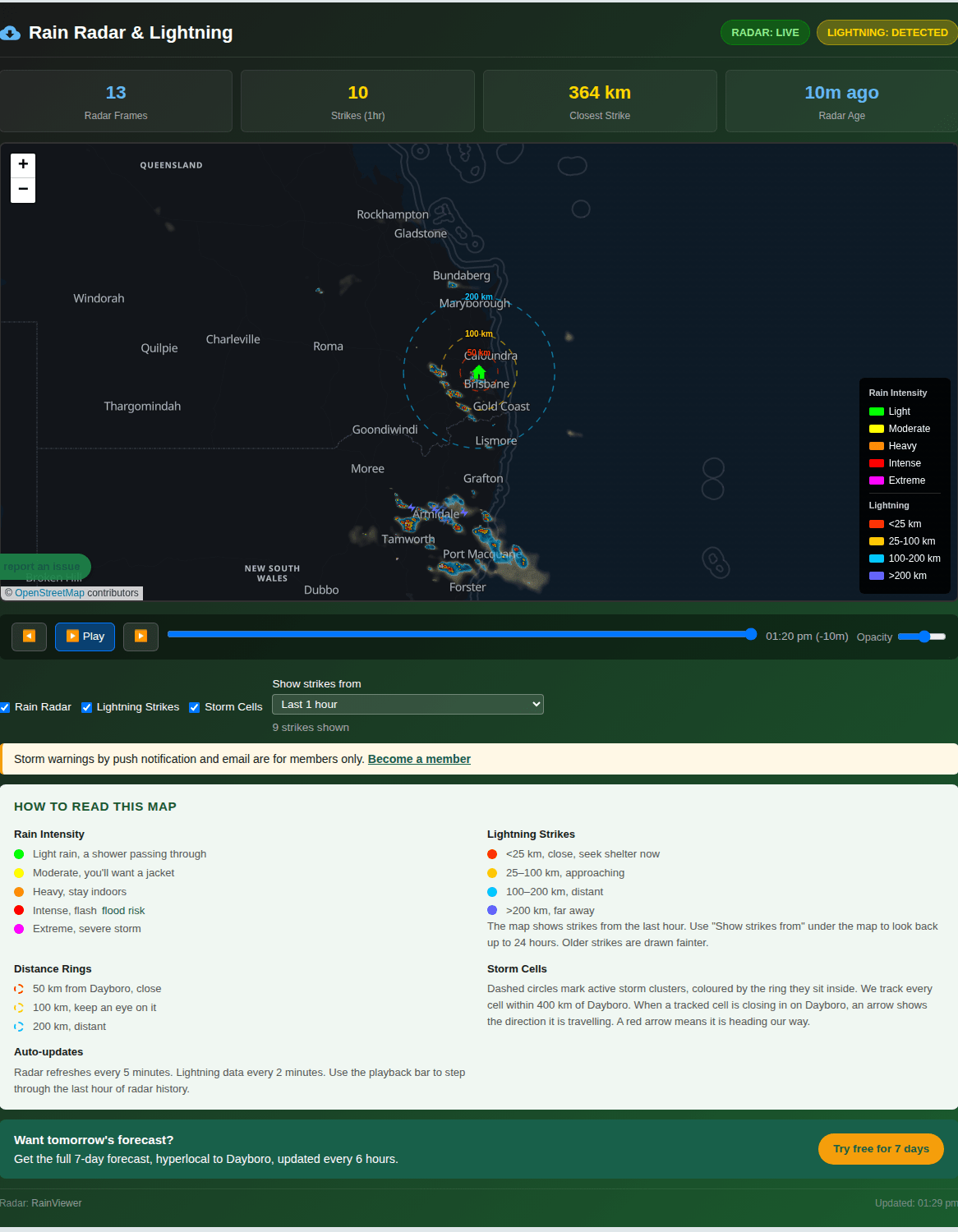
The lightning map refreshes every 2 minutes. To use it:
- Pick how far back to show strikes, from 1 hour up to 24 hours.
- Use the distance rings at 25, 50 and 100 km to see how close the storm is.
- Watch it a few times over 10 minutes or so. If the strikes are moving towards the inner ring, the storm is coming our way.
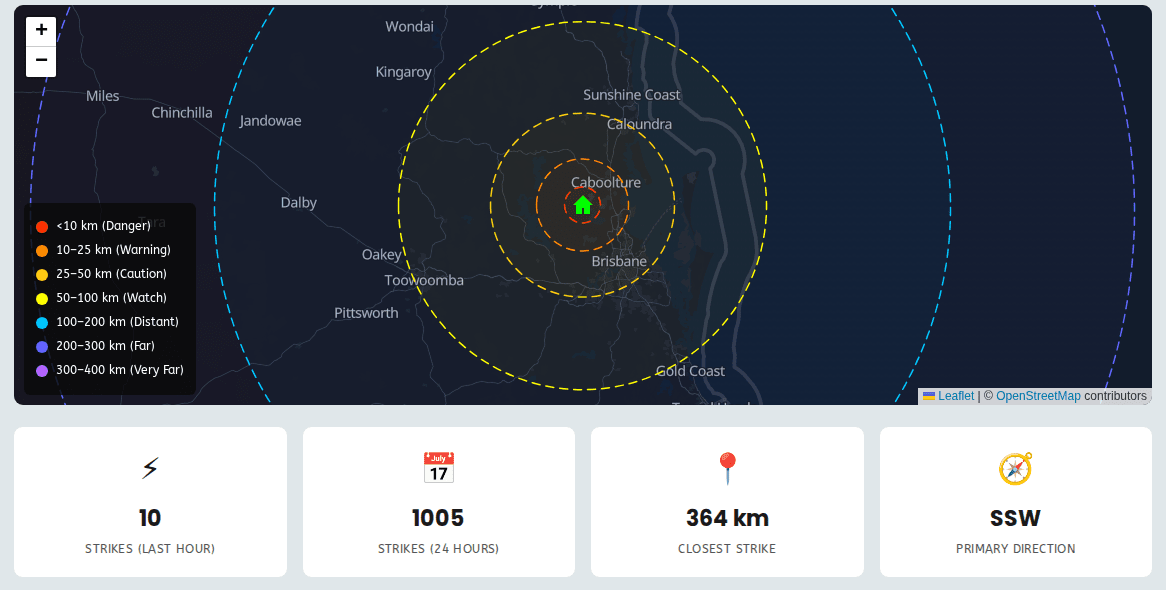
Members can also get storm warnings by push notification and by email, so you do not have to sit and watch the map. Chapter 11 shows how to set that up.
Air quality
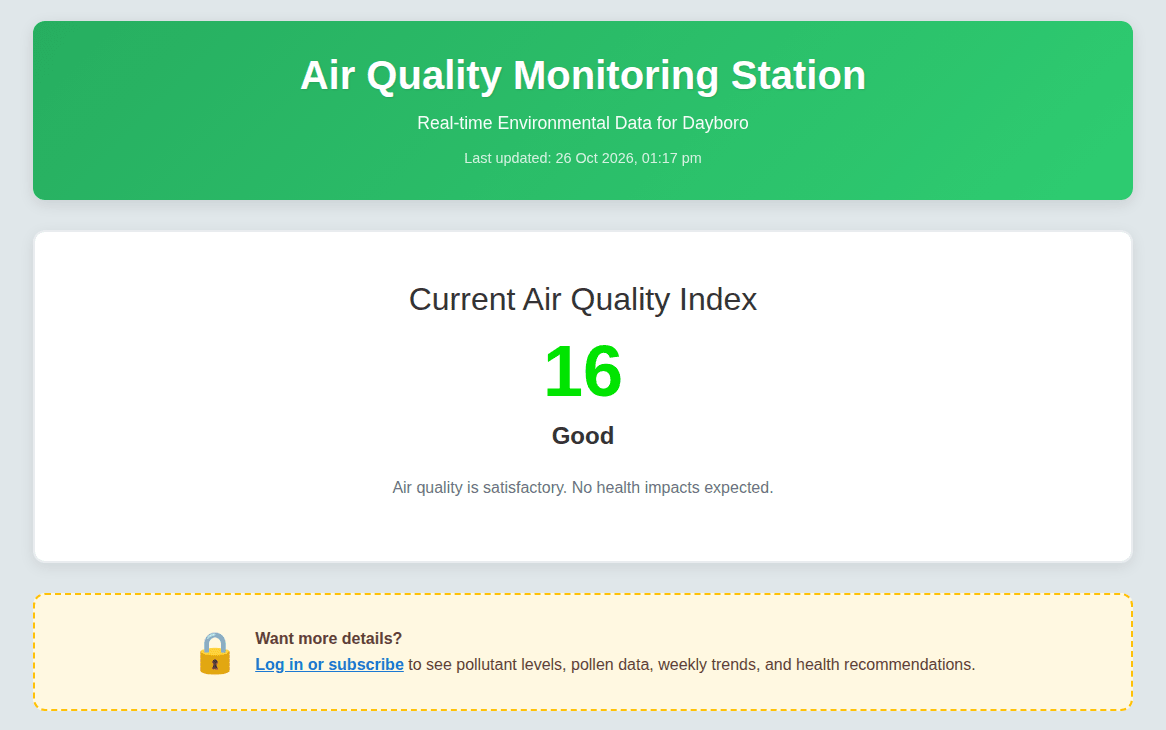
The air quality page shows the Air Quality Index (AQI) to everyone. Members also see the individual gases, pollen, weekly trends and health advice for each level.
Heat stress
On hot, humid days the temperature alone does not tell you how hard it is on your body. The heat stress page uses WBGT (Wet Bulb Globe Temperature), which takes in temperature, humidity and sun. It gives one reading and a risk level from low to extreme, with advice for each level, such as taking breaks in the shade or stopping heavy work.

If you want to keep a record of a big storm, make a photo of the screen with your phone. The readings change every few minutes, so the page will not look the same an hour later.
Back to the guide contents. Next, chapter 3 explains the forecasts.
The Dayboro team
Get Dayboro weather delivered to your inbox every morning: forecasts, garden tips, and local updates. Subscribe free →