This last chapter covers three things: the local business directory, advertising your own business on dayboro.au, and how to reach us when you need help.
The Dayboro Lions Business Directory
The directory is a Dayboro Lions Club initiative. The Lions publish the printed directory each year, delivered free to local households, and we have kept the online version since 2017 so it stays up to date between print editions. Go to /dlbd-2026/ to open it.
Search the directory
- Scroll past the map to the search bar.
- Type a name or a trade into “Search businesses…”, or pick a category from the list.
- To see only businesses that are open, pick Open Now in the status list. You can also choose Closed or 24hrs Emergency.
- Press Search. Advanced Search adds tick boxes for business features.
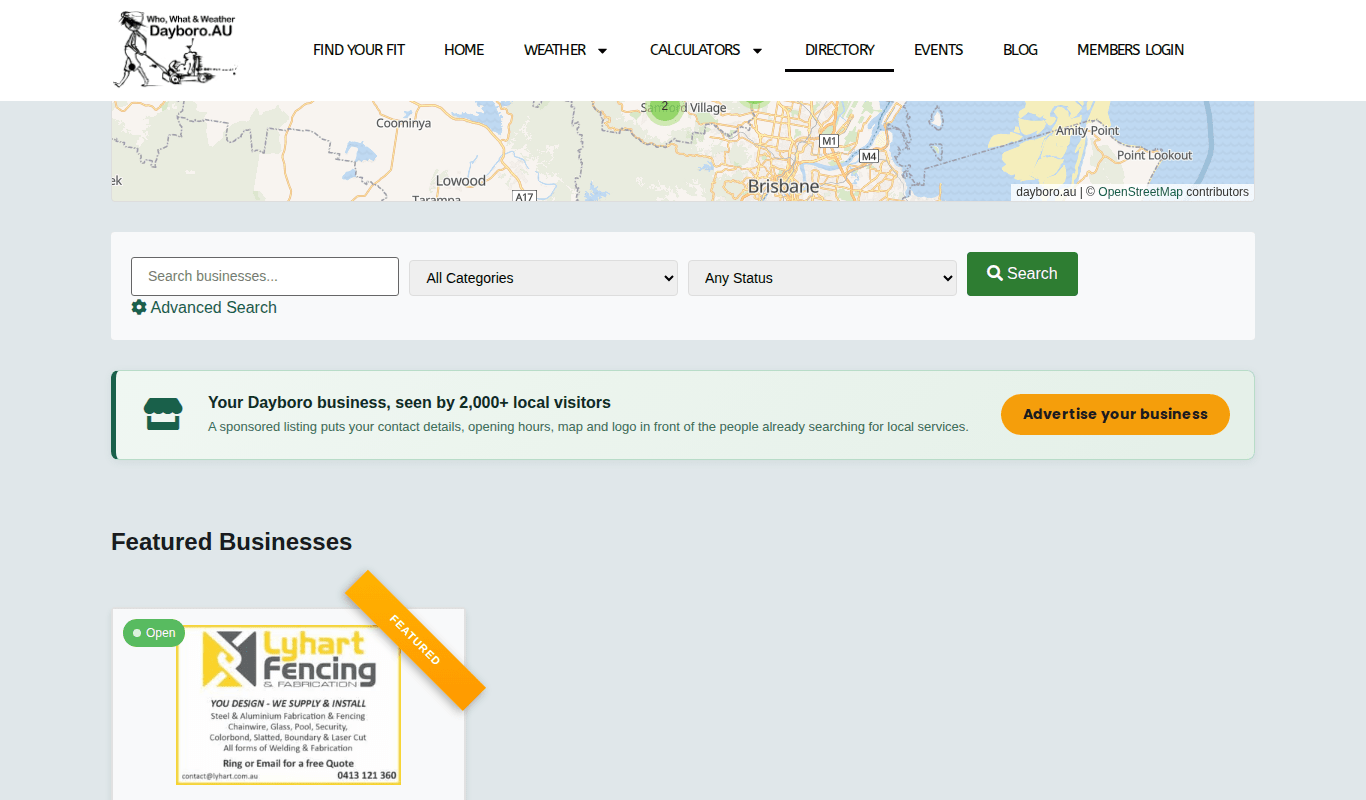
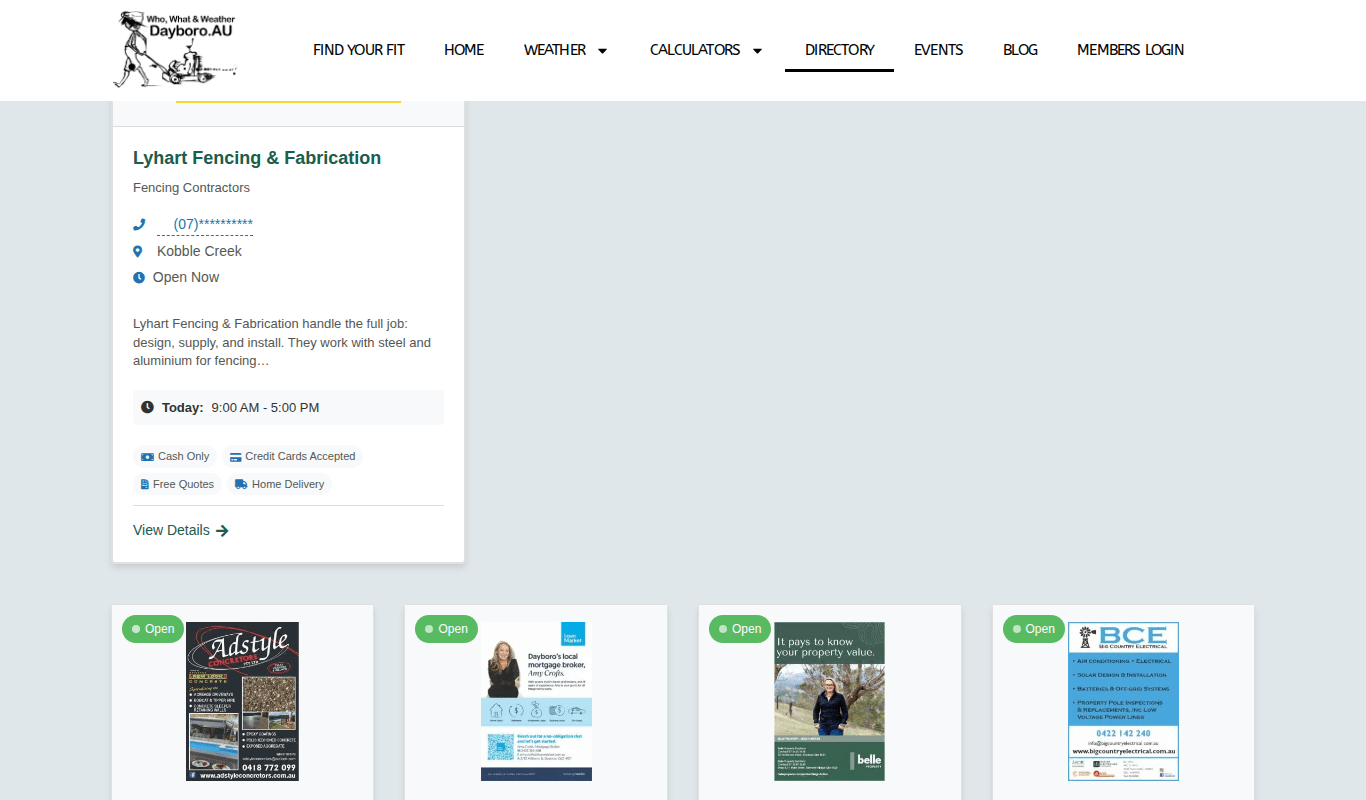
Each result card shows the business name, category, suburb, whether it is open, today’s hours and some features. Part of the phone number is hidden on the card. Press View Details to open the full listing.
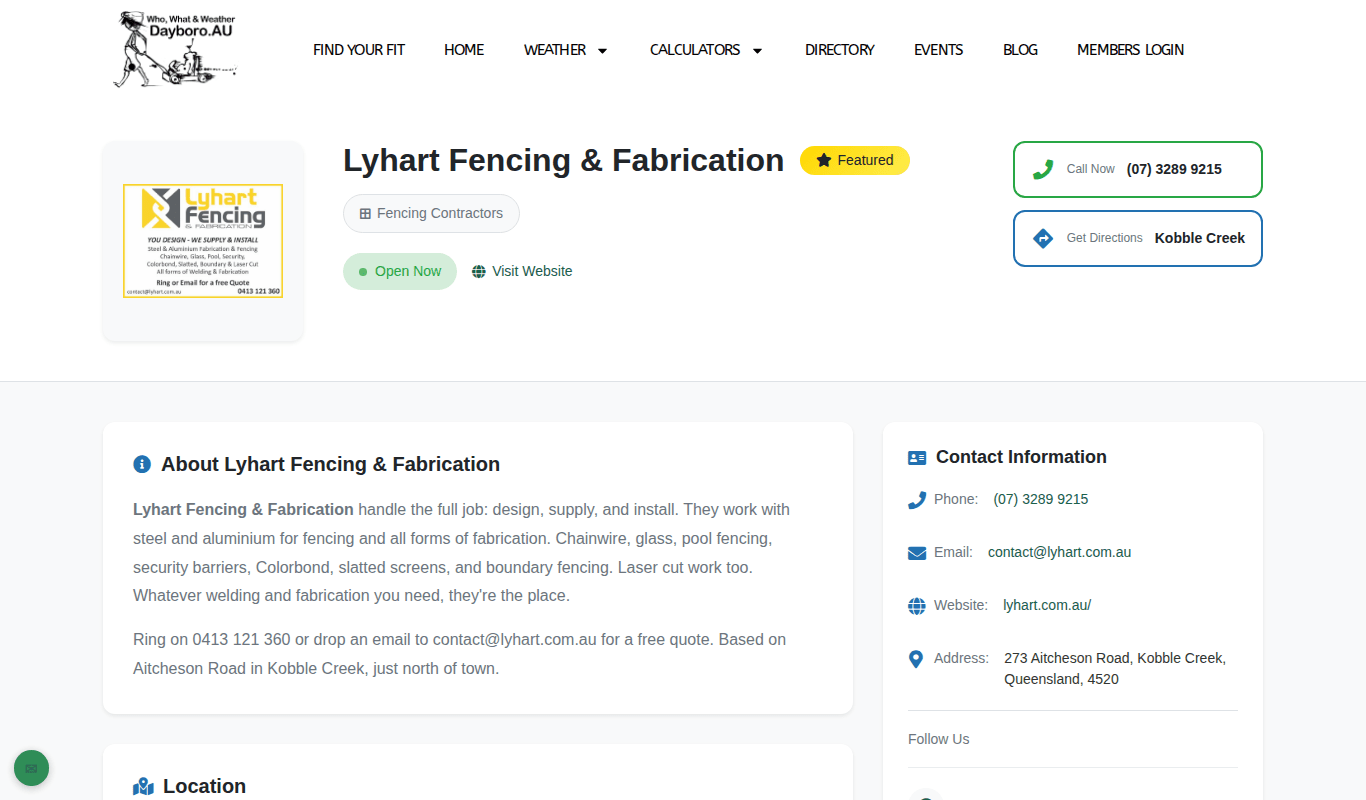
The listing page has Call Now, Get Directions and Visit Website buttons, an About section, a location map, contact details, opening hours, and features and services.
Listing types and getting listed
There are four listing types: Full Page, Half Page, Quarter Page and Basic Listing. Some businesses also carry a Featured badge and show under Featured Businesses.
New listings, changes and renewals are handled by the Lions. Email dayboro.lions@gmail.com. The directory page has the current print details. If your business is already listed and you want it linked to your account, use “My business is listed, link it to me” on the Business & events tab of the Members Dashboard.
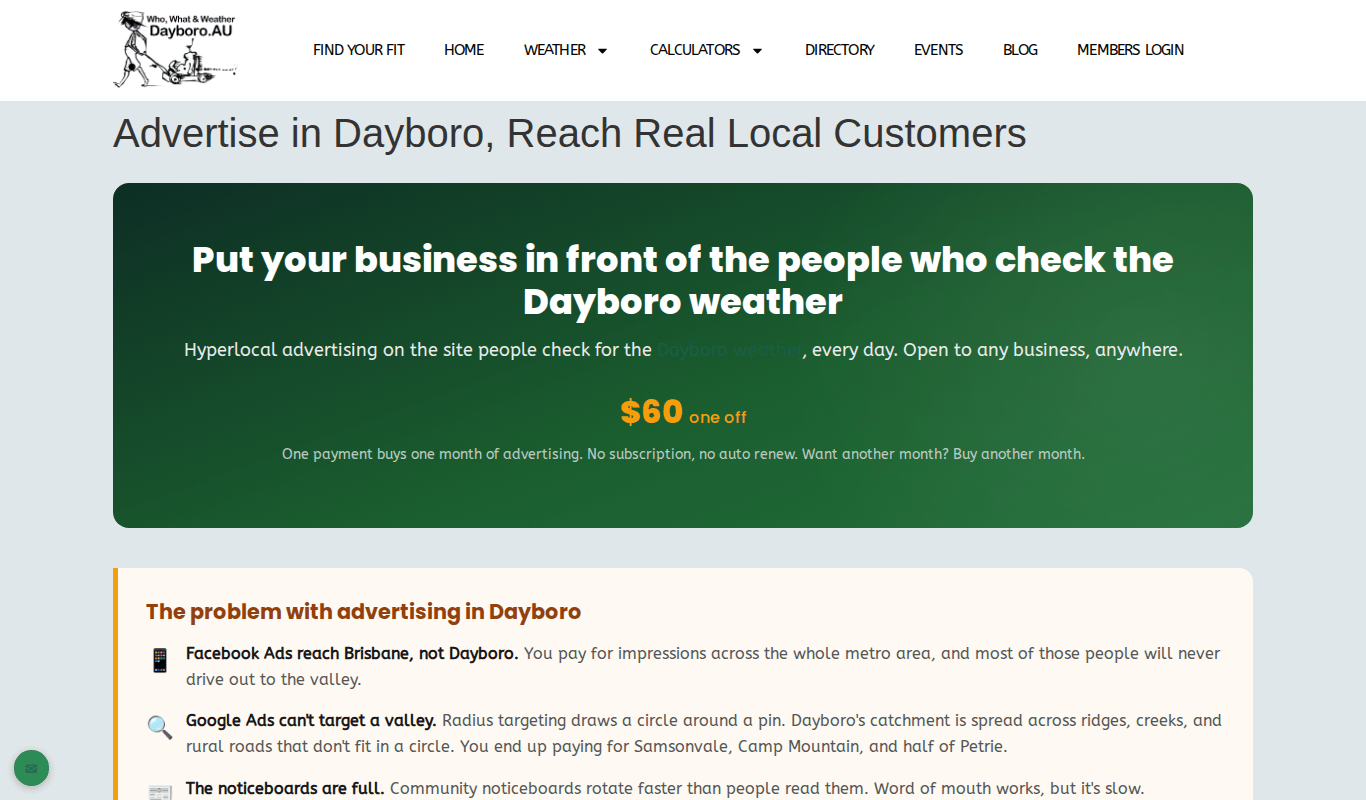
Advertise on dayboro.au
Advertising on dayboro.au is separate from your Lions directory listing. The advertising page explains it in full. On this moment it shows $60 one off, which buys one month. There is no subscription and no auto renew.
Your ad appears on the home page, the busiest weather and events pages, the Sunday Weekly Weather Digest email, the web app at app.dayboro.au and the Dayboro Buddy Android app. Members who are logged in do not see ads.
- Read the advertising page and press Start advertising.
- Complete the checkout.
- Supply one image 600 by 200 pixels, your website link and your business name. You can add a second image to test which one gets more clicks.
- Your ad goes live across every placement straight away.
After that, the Adverts tab of the Members Dashboard links to your advertiser dashboard. It shows how many people saw your ad and how many clicked, and lets you swap the image or change the link yourself.
Getting help
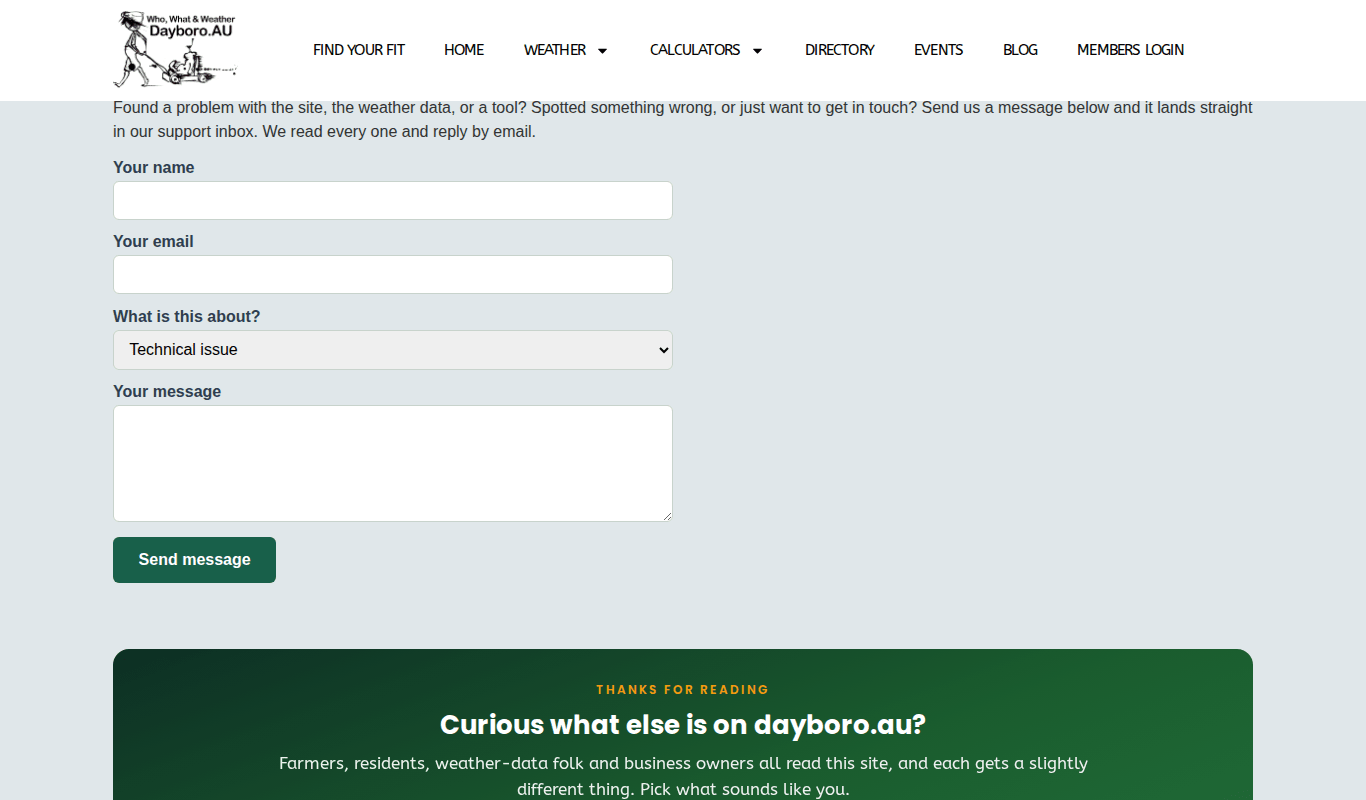
If something on the site is wrong, a tool is not working, or you have a question, the contact page is the quickest way to reach us. Messages land in our support inbox and we reply by email.
- Open the contact page. On every page there is a green round button with an envelope at the bottom left. It is labelled “Contact / report an issue” and takes you straight there.
- Type your name and email.
- Under “What is this about?”, pick Technical issue, Billing or payment, General enquiry, or Feedback or suggestion.
- Write your message and press Send message.
You can also email webmaster@dayboro.au or phone 07 5221 3450. Both are at the foot of every page.
Running a community group or club? LocalBuddy is built for local groups.
The Dayboro team
Get Dayboro weather delivered to your inbox every morning: forecasts, garden tips, and local updates. Subscribe free →