Membership opens the full site: all the email reports, the longer forecasts and the extra parts of the calculators. This chapter covers joining, logging in, a forgotten password, and looking after billing and cancelling from your account page.
The plans and the free trial
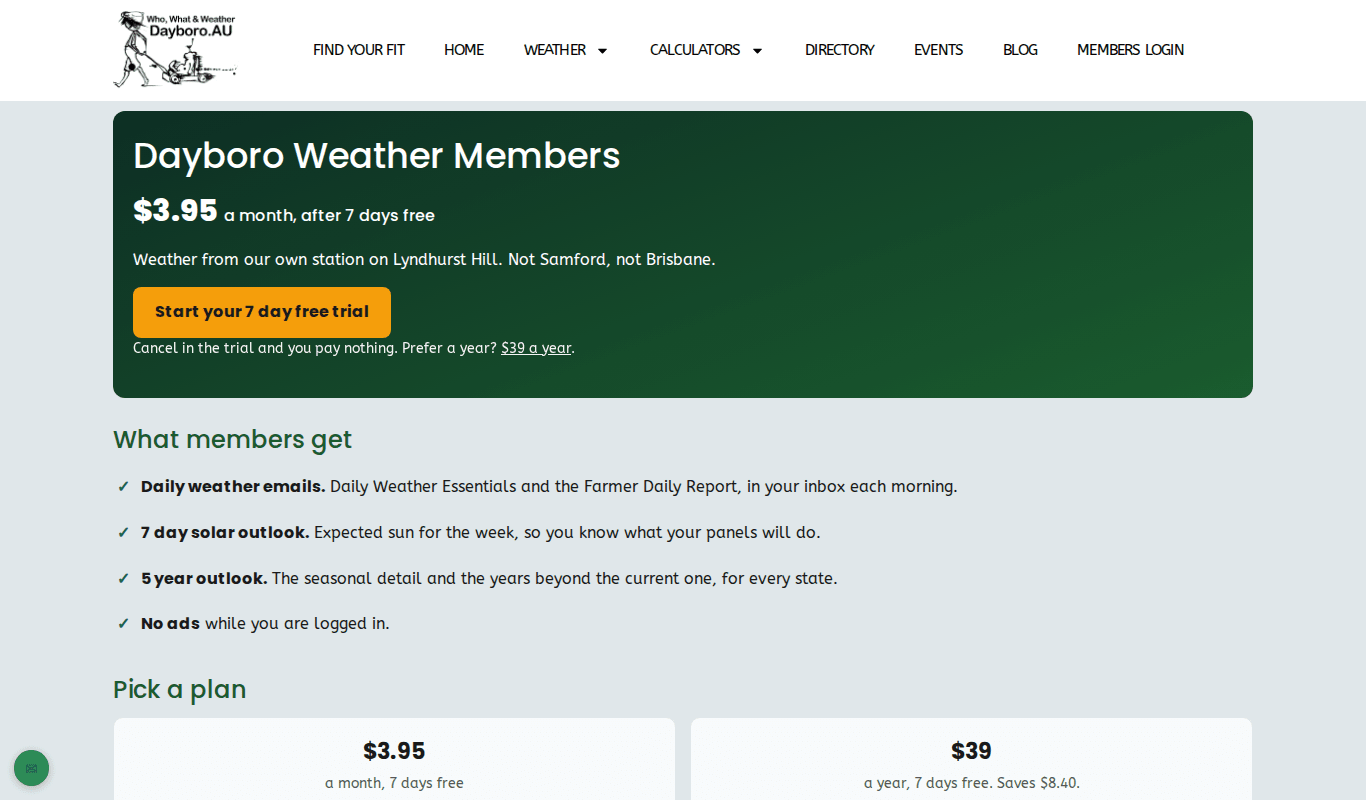
There is one membership, Dayboro Weather Members, paid monthly or yearly. Both plans have the same features and both start with 7 days free. If you cancel in the trial you pay nothing. The current prices are on the membership page. At the time of writing it shows $3.95 a month or $39 a year.
The membership page lists what you get:
- Daily weather emails, such as Daily Weather Essentials and the Farmer Daily Report (chapter 8).
- A 7 day solar outlook for your panels.
- The 5 year outlook.
- No ads while you are logged in.
How to join
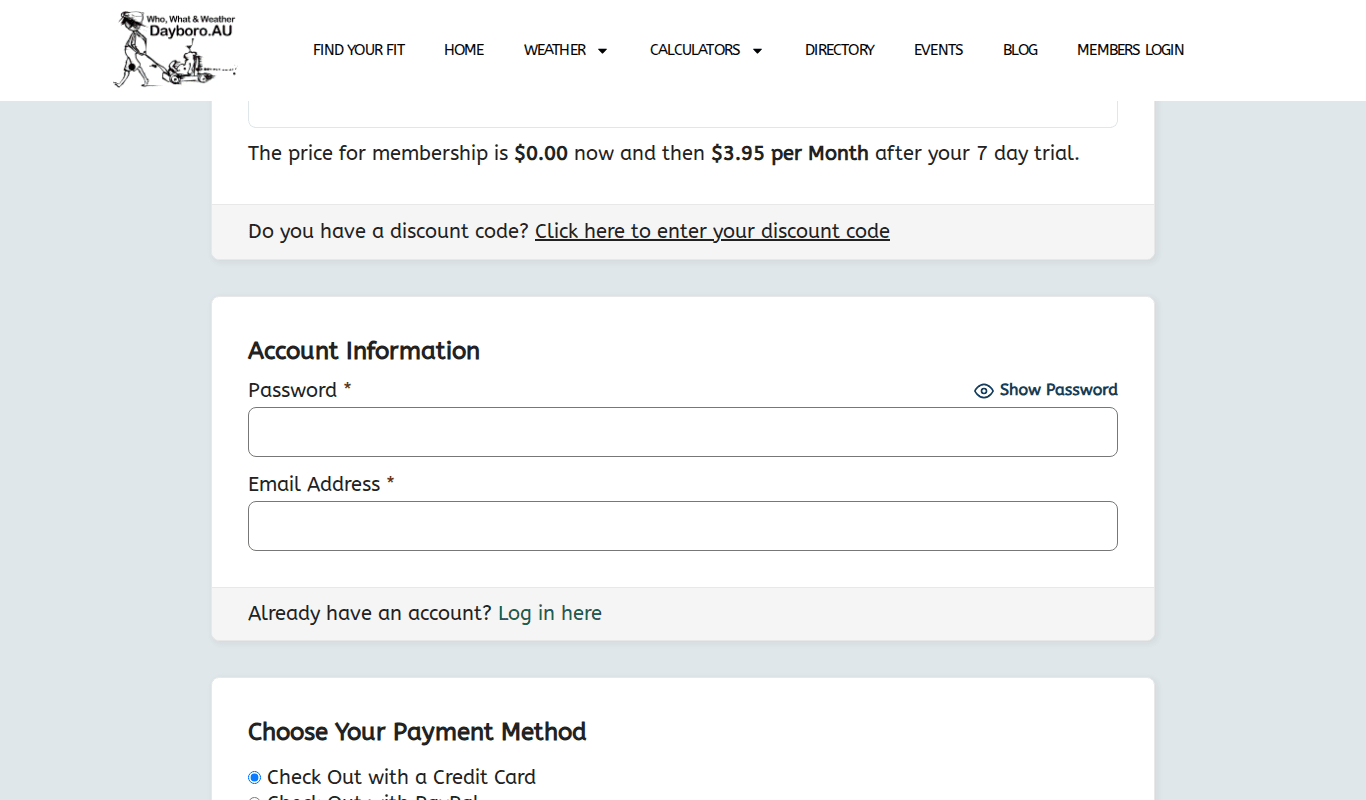
- On the membership page, press Monthly or Annual. The Start your 7 day free trial button picks monthly.
- Check the price line. It shows $0.00 now and what you pay after the 7 day trial.
- Got a discount code? Press Click here to enter your discount code.
- Under Account Information, choose a password and enter your email address. You can log in with this email later.
- Choose how to pay: credit card or PayPal.
- Tick that you agree to the Terms and Conditions.
- Press Submit and Check Out. If you chose a card, you type the card details on our payment provider’s secure page, not on our site.
Logging in
Press Members Login in the menu, or go to /come-in/. Type your username or email address and your password, then press Log in. Tick Remember Me on your own device so you stay logged in. Once you are in, the menu shows Go to Dashboard instead.

Forgotten your password?
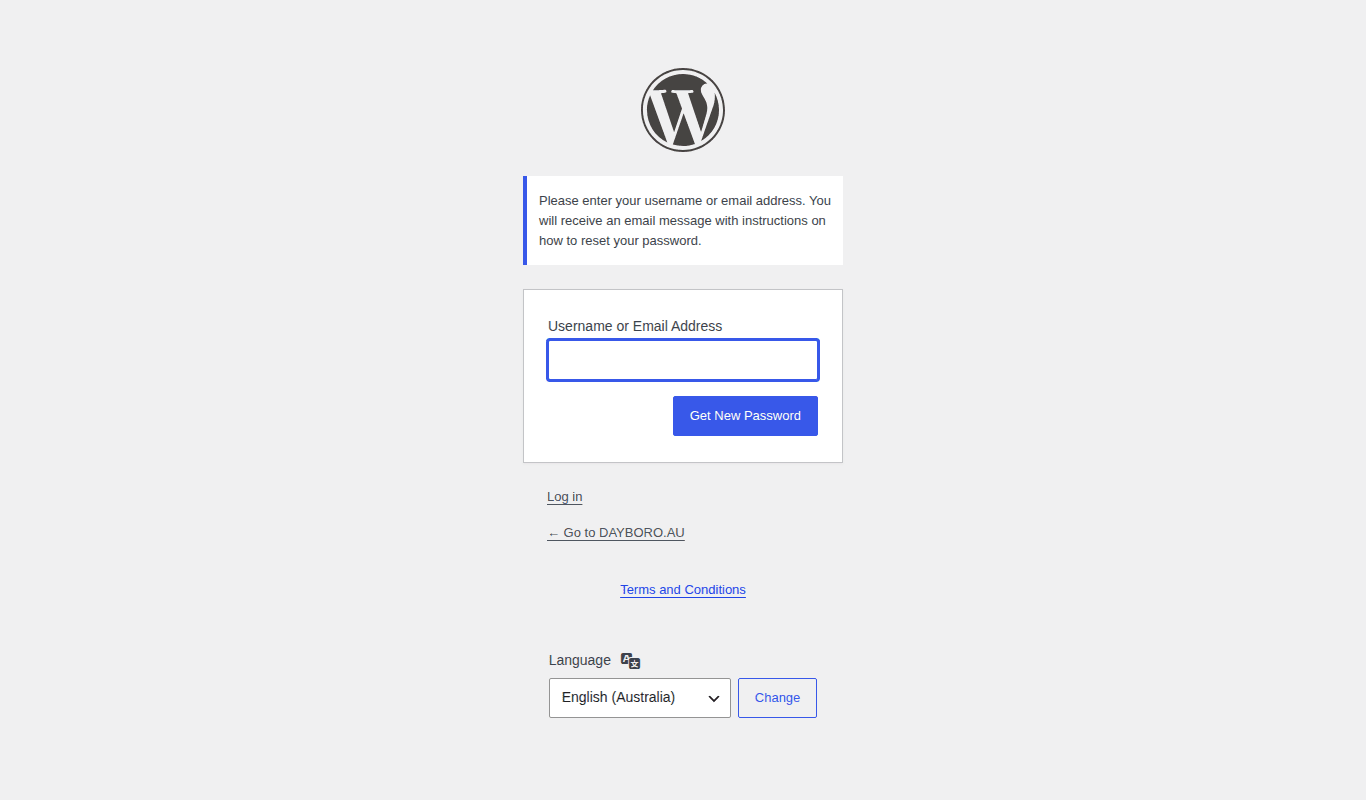
- On the login page, press Lost your password?
- Type your username or email address.
- Press Get New Password.
- Open the email we send and follow the link to set a new password.
Well, no email after a few minutes? Check your spam folder before you try again.
Your account page
Go to /membership-account/, or use the Account tab in the Members Dashboard (chapter 10). The page has three parts.
- My Account. Your username and email, with links to Edit Profile, Change Password and Log Out. Edit Profile lets you change your name, the name shown publicly and your email.
- My Memberships. Your plan, with Change to switch plans and Cancel. Paying members also see Update Billing Information.
- Order History. Every payment, with its date, plan, total and status. This is where you find your invoices.

Changing your card
Press Update Billing Information. If you pay by card, this takes you to our payment provider’s secure page, where you change the card. You type the new card number on their page, not ours.
Cancelling
- On your account page, press Cancel next to your plan.
- The next page asks if you are sure. Press Yes, cancel this membership, or No, keep this membership to go back.
When you cancel a paid plan, you are not billed again, and the page tells you the date your membership stays active until. That is the date your next payment would have been due.
Back to the guide contents. Next, chapter 10 takes a tour of the Members Dashboard.
The Dayboro team
Get Dayboro weather delivered to your inbox every morning: forecasts, garden tips, and local updates. Subscribe free →